The paper bill that arrives late, gets lost, or never shows up at all is a familiar frustration in Pakistan. But the bill still carries a due date, and a missed payment means a late surcharge. Checking online removes the whole problem: with your reference number, you can pull up the current bill in seconds, any time, from any device.
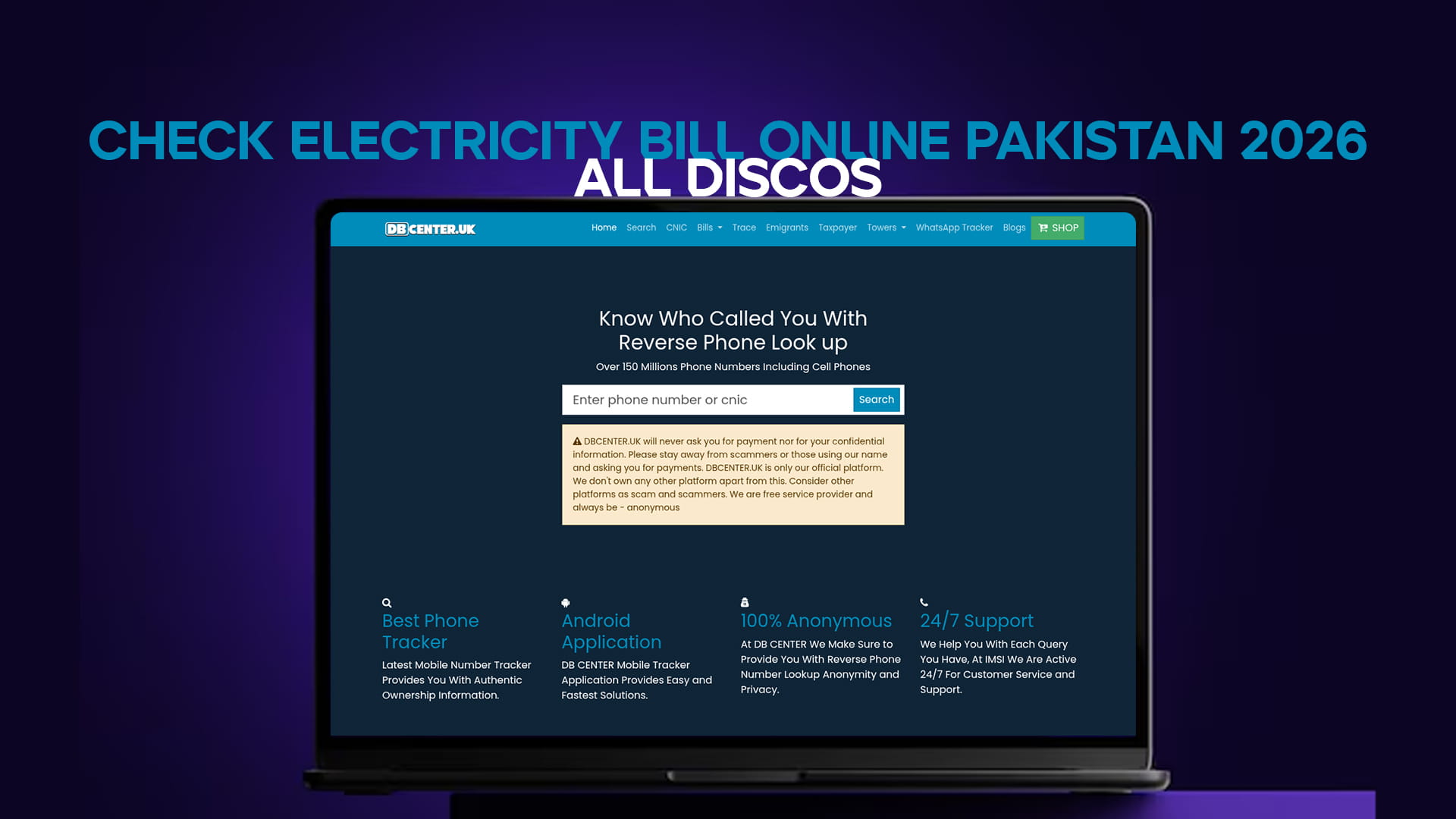
Every electricity distribution company in Pakistan now publishes bills online. The fastest way to check is DB Center's electricity bill checker, which works for all DISCOs with no login and no fee.
If the site does not open: some networks in Pakistan filter it. Turn on any free VPN — Proton VPN or Windscribe — and it loads instantly.
Step 1: Find Your Reference Number
Every online bill check depends on one thing — your reference number, a 14-digit number printed near the top of every bill. It stays the same on every bill for your connection, so once you have it, you never need the paper copy again. It is different from the shorter customer ID; for online checking, the 14-digit reference number is the one you need. Save it in your phone so it is always to hand.
Step 2: Enter It and View Your Bill
Open the bill checker, type your 14-digit reference number, and submit. The current month's bill appears within seconds, showing the units consumed, the amount payable, the issue date, and the due date. You can read it on screen, download it as a PDF, or print it.
Which DISCO Bills You
Pakistan is divided among regional distribution companies, and the one that bills you depends on where you live. Lahore and central Punjab are served by LESCO — you can check a Lahore bill directly on the LESCO bill page. Southern Punjab, spanning Multan, Bahawalpur, and Rahim Yar Khan, falls under MEPCO, checked on the MEPCO bill page. Islamabad and Rawalpindi are covered by IESCO, available on the IESCO bill page. Faisalabad is FESCO, Gujranwala is GEPCO, Peshawar is PESCO, and the rest of the country is covered by HESCO, SEPCO, QESCO, and TESCO. Karachi is the exception, served by K-Electric on its own system.
Your DISCO's name is printed at the top of any past bill if you are unsure.
Step 3: Pay After Checking
With the bill in front of you, paying is straightforward — no bank queue required. Use JazzCash or Easypaisa by entering the reference number, pay through your bank's app or internet banking, use an ATM's utility-payment option, or pay cash at a designated bank branch. Keep the confirmation until the payment reflects, which can take a day or two.
Check Your Gas Bill the Same Way
Electricity is rarely the only utility to track. The same method applies to gas: find the reference number, enter it, view and pay. DB Center's gas bill tool covers both SNGPL and SSGC, so you can manage both utilities from one place.
The Short Version
Find your 14-digit reference number on any past bill, enter it in the electricity bill checker, and view, download, or pay in seconds — free and without a login. Checking a few days before the due date is the simplest way to never pay a late surcharge again. If the site does not open, a VPN fixes it.