Knowing whether a person or business is an active taxpayer is no longer a niche concern for accountants. In 2026 it touches almost any significant transaction in Pakistan, because the gap between a filer and a non-filer has widened into a real financial difference.
A filer — someone whose name appears on the Federal Board of Revenue's Active Taxpayer List — pays lower withholding tax on a long list of everyday dealings: buying or selling property, registering a vehicle, certain banking transactions, and more. A non-filer pays noticeably higher rates on the same activities. Salaried people check to pay less tax and avoid fines, business owners check to keep trust and qualify for government contracts or import and export licences, freelancers check to receive payments from abroad, and property and vehicle buyers check to pay lower registration fees.
That is why verification cuts both ways. You check your own status to make sure you are getting the filer rate, and you check the other party's status before a deal, because their filer or non-filer standing can change the tax you both pay on a property transfer or a business arrangement. The good news is that the FBR makes this information publicly verifiable, and it takes under a minute.
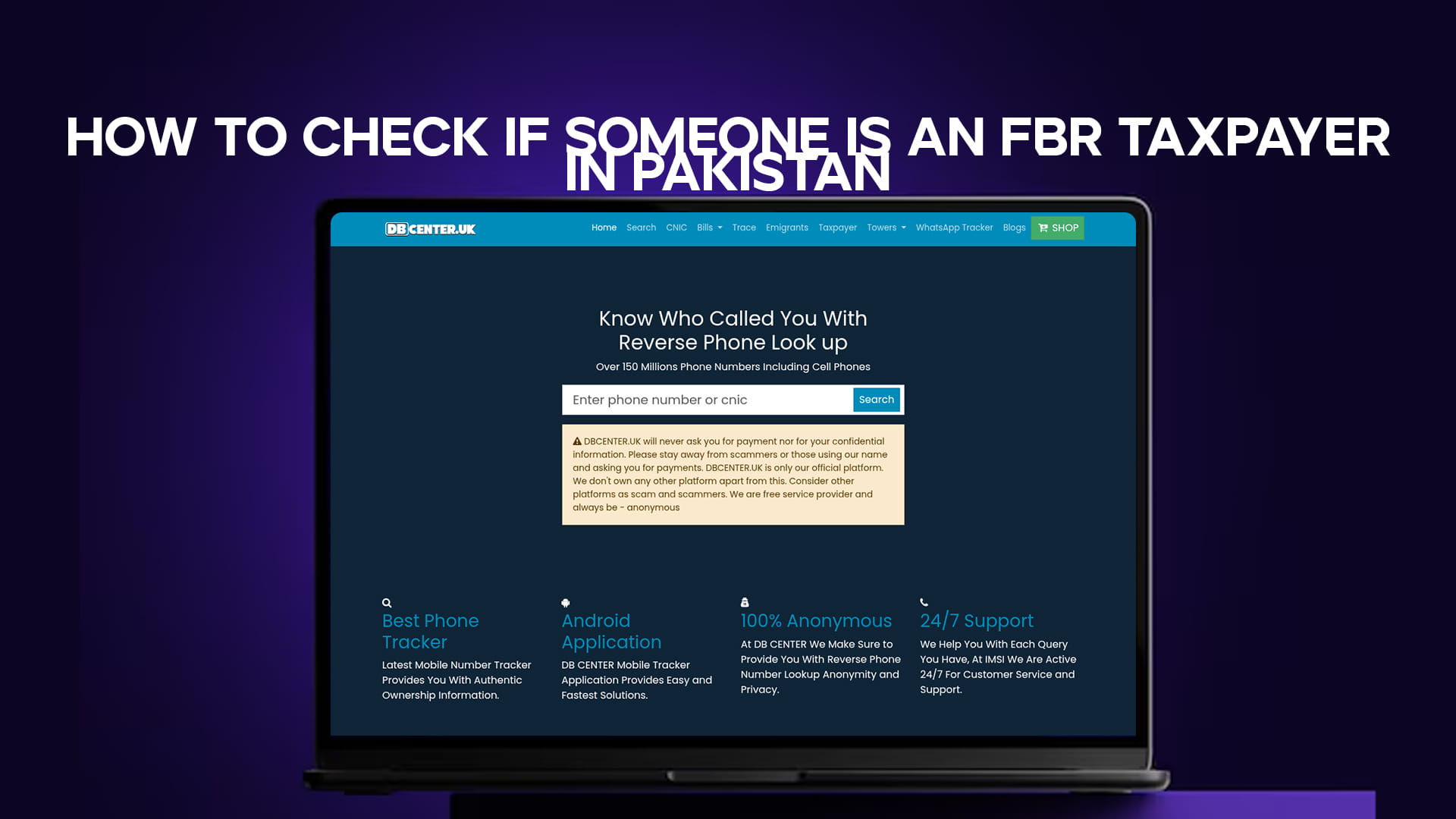
The fastest route is DB Center's free taxpayer verification tool — enter the CNIC and the active-taxpayer status comes back without any login or fee.
What the Active Taxpayer List (ATL) Actually Is
The Active Taxpayer List, almost always shortened to ATL, is the official register the FBR uses to mark who is tax-compliant. It is a publicly accessible database that includes the names and CNIC or NTN numbers of all individuals and businesses who have filed their income tax returns for the previous tax year on or before the deadline.
Two points are worth understanding before you read any result.
First, ATL status reflects filing, not merely paying. A person appears on the list because they filed a return for the relevant tax year, generally by the deadline that typically falls on 30 September. Someone who earns well but never files will show as inactive.
Second, the list is refreshed on a schedule rather than in real time. After filing, an ATL status updates with the next ATL refresh, and the annual list is published in March for the preceding tax year. The FBR then updates it regularly to add newly processed returns, so a person who has just filed may take a short while to appear. If someone tells you they "just became a filer," a not-found result today does not necessarily contradict that — it may simply pre-date the next refresh.
There is also a separate Sales Tax ATL for sales-tax-registered businesses, which is distinct from the income-tax ATL most people are checking.
Method 1: Check Instantly with DB Center
The simplest way to verify anyone's filer status is the DB Center taxpayer tool. There is no account to create and nothing to pay.
Open the taxpayer verification tool, enter the 13-digit CNIC of the person or the NTN of the business, and submit. The result shows whether the CNIC is currently active on the FBR's Active Taxpayer List, which is the single piece of information most people need before a transaction. Because you check by CNIC, it pairs naturally with a basic identity check — if you also need to confirm the CNIC itself is genuine, the CNIC verification tool handles that side.
If the site does not load: some networks in Pakistan filter it. Switch on any free VPN, such as Proton VPN or Windscribe, and it opens instantly.
Method 2: Check by SMS to 9966
The FBR runs a free SMS service that works on any network and needs no internet, which makes it handy when you are away from a computer.
For an individual, type ATL, then a space, then the person's 13-digit CNIC number without any dashes, and send it to 9966. Within moments you receive a reply stating whether that CNIC is active or inactive on the list. For a company or association of persons, the format uses the 7-digit NTN instead: ATL, a space, then the NTN, sent to the same number. For someone resident in Azad Jammu and Kashmir, the keyword changes to AJKATL followed by the CNIC.
One practical note: send the SMS from a number that has not been ported between networks, as ported numbers sometimes fail to get a reply from the service.
Method 3: Check on the FBR Online Portal
The FBR's own website carries the authoritative verification tool, and it is free and open to anyone — no login is required to run a lookup.
Visit the FBR site, open the Online Verification section, and choose Active Taxpayer List (Income Tax). Enter the CNIC or NTN without dashes, complete the captcha, and the portal returns the current status on screen along with the registered name. You can save or print the verification page as a PDF for your records, which is useful documentation to keep on file before signing property or banking papers.
Cross-checking the name shown against the person in front of you is a sensible final step, since it confirms the CNIC you were given actually belongs to them.
Method 4: The IRIS Portal for Your Own Detailed Status
If you are checking your own status rather than someone else's and want more than a simple active or inactive flag, the IRIS portal is the place. Log in with your CNIC or NTN and password, go to your profile and taxpayer status, and you can see your detailed standing. IRIS is also where you file returns, so it is the natural home for managing your own compliance rather than for one-off checks on a third party.
Method 5: Bulk Verification for Businesses
Finance, HR, and procurement teams often need to verify many people at once — a roster of vendors, contractors, or new hires. For this, the FBR allows a bulk download of the ATL as a file, which teams can then search by CNIC or NTN to confirm status for a whole list at once. This is far more practical than running hundreds of individual lookups, and it is the standard approach for compliance checks on a vendor base.
For ad-hoc due diligence on a single counterparty, a broader identity search can sit alongside the taxpayer check when you are vetting someone you do not know well before a deal, and confirming the contact number they gave you with a number trace is a sensible extra step for a counterparty you have never met.
Reading the Result: Active, Inactive, or Not Found
A verification returns one of a few outcomes, and each means something specific.
An active result confirms the person filed for the relevant tax year and is entitled to filer rates. An inactive result means they exist in the FBR's system but have not filed for the latest tax year, so they will be treated as a non-filer for withholding purposes until they file or pay the applicable surcharge. A not-found result usually means the CNIC or NTN is not registered with the FBR at all, or was entered incorrectly — so double-check the digits before drawing conclusions.
If someone missed the filing deadline, they can still become a late filer by paying the ATL surcharge, after which their status updates at the next refresh. This is worth knowing if a counterparty is mid-process: their status can legitimately change within days.
Overseas Pakistanis and Taxpayer Status
Filer status matters for overseas Pakistanis too, particularly around remittances, property investment back home, and confirming compliance before a transaction handled by family. The FBR verification portal is open to anyone with no Pakistani identity required to perform a lookup, and overseas Pakistanis routinely verify their own ATL status this way.
If you are managing identity and verification matters from abroad, DB Center's overseas Pakistanis tool covers related verification needs alongside the taxpayer check, so you can handle several confirmations in one place rather than across separate portals.
Common Questions Asked by Users
How do I check if someone is a filer by CNIC? Enter their 13-digit CNIC in DB Center's taxpayer tool or the FBR portal, or send "ATL" and the CNIC (no dashes) to 9966 by SMS. Each returns whether the CNIC is active on the Active Taxpayer List.
Is checking someone's taxpayer status legal? Yes. The Active Taxpayer List is a public database published by the FBR, and the verification services are free and open to anyone. Checking filer status for a legitimate purpose, such as due diligence before a transaction, is entirely normal.
What is the difference between a filer and a non-filer? A filer appears on the ATL because they filed their income tax return for the relevant year. A non-filer has not, and pays higher withholding tax rates on property, vehicles, certain banking transactions, and more.
Why does someone show as inactive when they say they filed? The ATL is refreshed periodically rather than in real time, and the annual list is published in March for the prior tax year. A recently filed return can take until the next refresh to appear. A late filer must also pay the ATL surcharge before becoming active.
Can I check a company instead of an individual? Yes. Use the 7-digit NTN instead of a CNIC. By SMS, send "ATL" and the NTN to 9966; on the portal, enter the NTN in the same field.
Is there a fee to check taxpayer status? No. The FBR portal and the SMS service to 9966 are free public services, and DB Center's taxpayer tool is free with no login. Standard SMS charges from your network may apply to the 9966 service.
The Short Version
To check anyone's FBR taxpayer status, you need their CNIC (or a business NTN). Enter it in DB Center's free taxpayer verification tool, send it to 9966 by SMS, or use the FBR online portal — all three are free and return an active, inactive, or not-found result within seconds. Keep a saved or printed copy of the result before any property, banking, or business transaction, since filer status directly affects the tax you both pay.
If the site does not open on your connection, a VPN resolves it immediately.