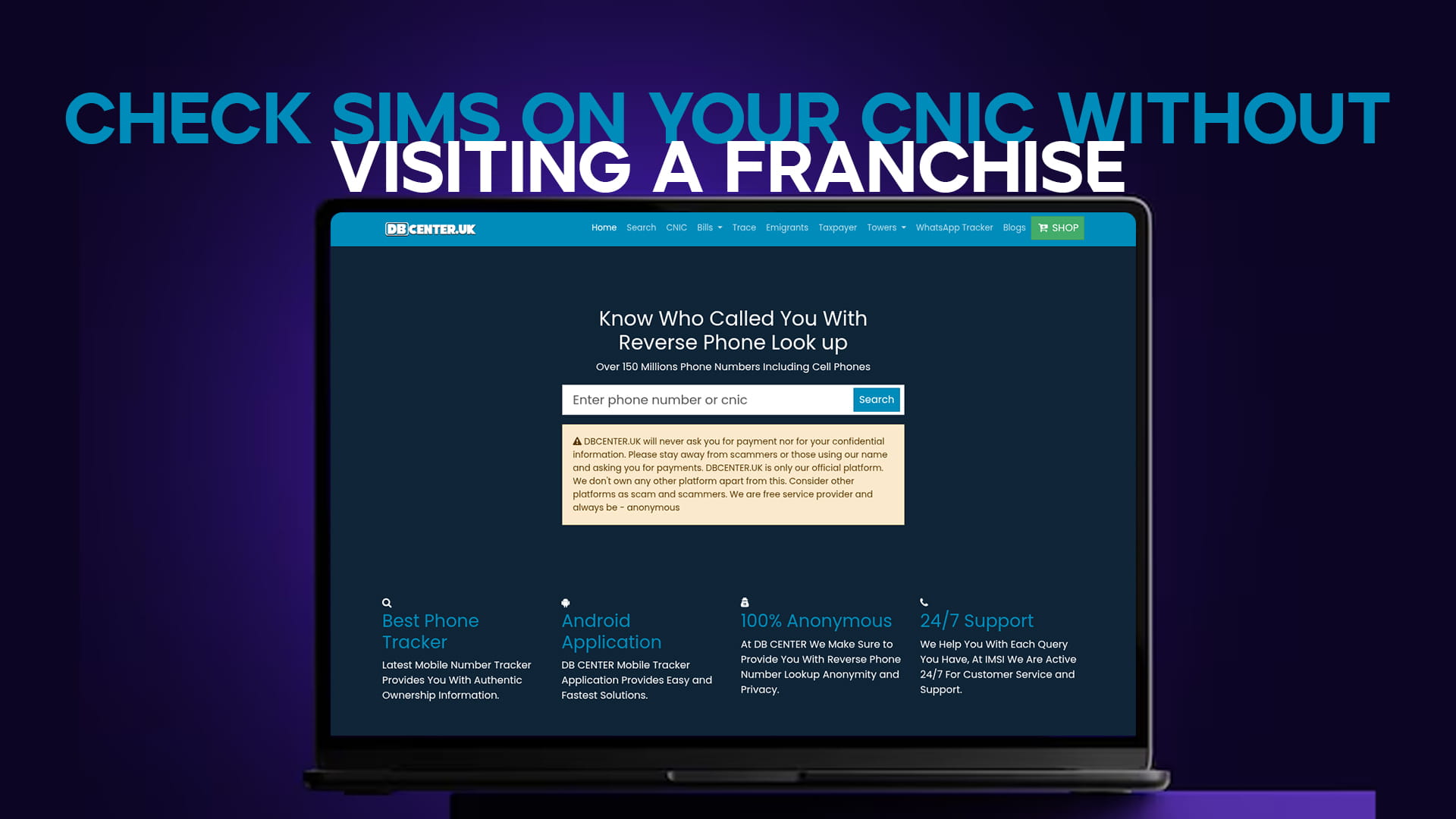
There is a widespread assumption in Pakistan that checking your SIM registrations means queuing at a mobile franchise with your CNIC in hand. For the check itself, that is simply not true. Every method of finding out what is registered in your name works remotely, from your phone, in minutes.
The distinction worth understanding upfront is between checking and changing. Checking is remote and instant. Blocking an unauthorised SIM requires biometric verification, which does mean an in-person visit. So you can always discover the problem from home — you only need to travel if there turns out to be one.
Method One: The PTA 668 SMS Service
This is the primary remote method and the one to use first.
Open your messaging app, type your 13-digit CNIC with no dashes, and send it to 668. The automated reply tells you how many SIMs are registered against your identity, typically split by network.
It works on Jazz, Zong, Telenor, and Ufone alike, requires no internet, and functions on the most basic handset. Because it is run by PTA rather than by any individual operator, the result covers all networks at once rather than just the one whose SIM you are texting from.
Method Two: PTA's Online SIM Information Service
PTA also provides a web-based version of the same service through its official portal, where you enter your CNIC number and complete a verification step to view the registrations linked to your identity.
The web route is convenient if you are already at a computer, or if you want the result on a larger screen rather than in an SMS. The underlying data is the same as the 668 reply — it is the same PTA record, presented differently. Access it through PTA's official website at pta.gov.pk rather than through any third-party site claiming to offer the same lookup.
Method Three: Your Operator's Own App
Each network's official app — Jazz World, My Zong, My Telenor, and My Ufone — lets you see the details of the connection you are logged into, and in some cases the other connections registered under the same identity with that operator.
The important limitation is scope. An operator's app can only show you that operator's records. If SIMs have been registered in your name on a different network, that app will not reveal them. This is why the 668 service remains the better first step: it spans all networks in a single query.
What You Cannot Do Remotely
Blocking a SIM you did not authorise requires your fingerprint. That is a deliberate safeguard — if unauthorised blocking could be done by SMS, anyone who knew your CNIC number could disconnect your phone.
So the honest position is this: discover remotely, act in person. Once you know there is a problem, the franchise visit is short and focused, because you already know exactly which network and how many connections you are asking about.
Checking Coverage While You Are At It
If part of your reason for auditing your SIMs is deciding which connections to keep, it helps to know how well each network actually performs where you live. DB Center maintains tower maps that let you see operator reach by area — the Jazz and Mobilink coverage map and the Zong coverage map are useful starting points for comparing signal before you decide which SIM to retire and which to keep.
Pair It With an Identity Check
While you are checking remotely, it is worth confirming that the CNIC underlying all these registrations is itself in good standing. DB Center's CNIC verification tool reports whether the card is active, expired, or blocked — all from the same browser session, with no visit required.
If an unknown number has been calling and you want to look into it before deciding whether it matters, the number trace tool handles that lookup remotely too, and a broader identity search lets you cross-reference whatever partial details you already have — again, without leaving your desk.
The Short Version
Checking what is registered on your CNIC never requires a franchise visit. Text your CNIC to 668 for an all-network answer, use PTA's official online service for the same data on a bigger screen, or check a single operator's records in its own app. Only blocking an unauthorised SIM needs an in-person biometric — and by then you will know exactly where to go and what to ask for.