The Active Taxpayer List — universally called the ATL — is the Federal Board of Revenue's official public register of everyone in Pakistan who has filed their income tax return for the most recent tax year. It is updated on a regular schedule, it is publicly searchable by anyone, and it determines a specific and significant financial difference: filers on the ATL pay lower withholding tax on dozens of everyday transactions, while non-filers pay higher rates on the same transactions.
The practical consequences show up everywhere. When you buy or sell property, register a vehicle, make large banking withdrawals, or handle certain business payments, the withholding tax deducted depends on whether your CNIC appears on the ATL. In 2026 the gap between filer and non-filer rates has widened further, making ATL status more financially consequential than at any previous point.
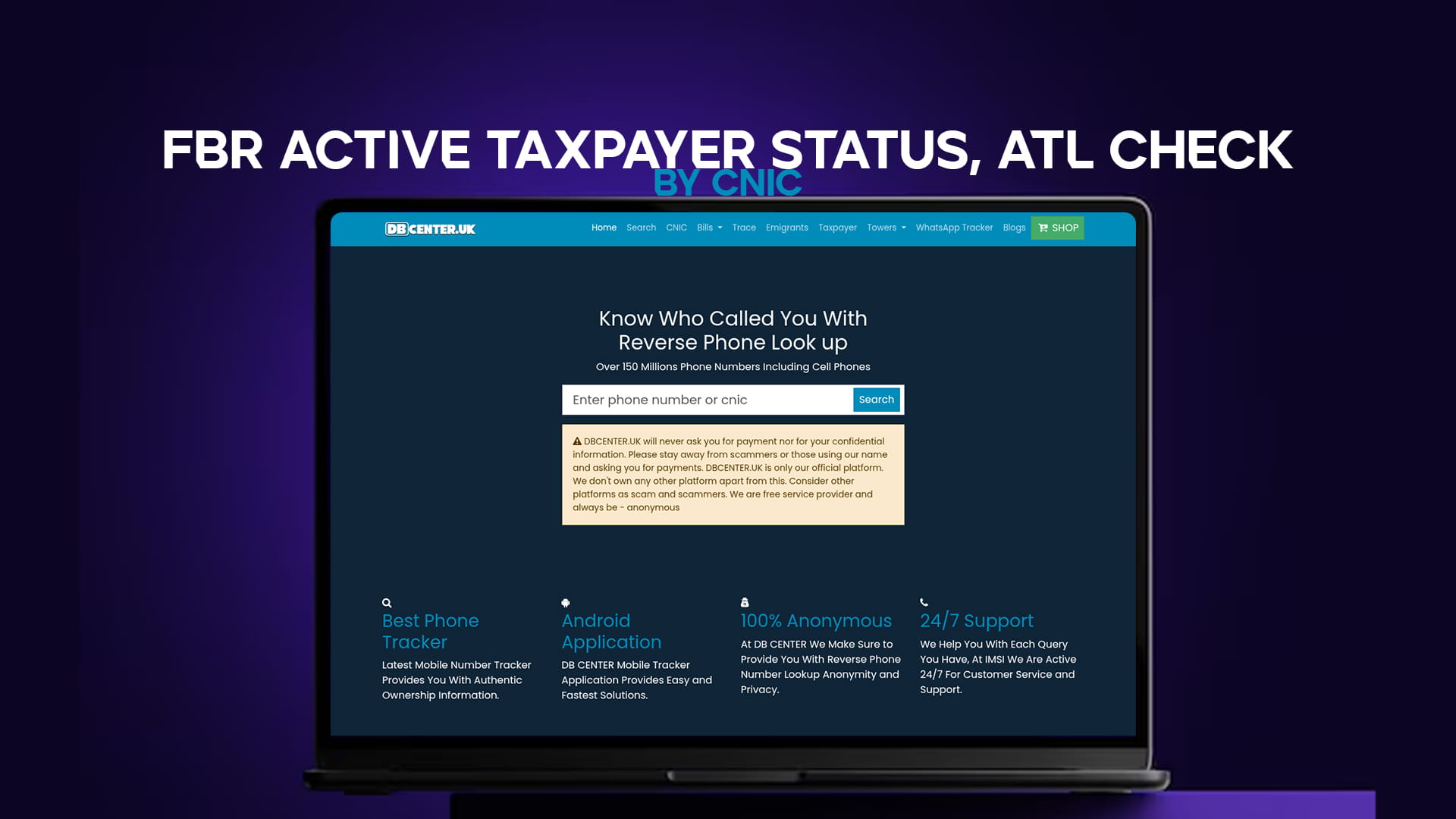
Checking whether a CNIC is on the ATL takes under a minute. The quickest route is DB Center's taxpayer verification tool — enter the CNIC and the result comes back instantly, free, no login.
Method 1: Check by CNIC on DB Center
Open the taxpayer verification tool, enter the 13-digit CNIC number without dashes, and submit. The result confirms whether that CNIC is currently active on the FBR Active Taxpayer List for the current tax year. If you are checking on behalf of a business partner, tenant, or employee, this is the fastest due-diligence step available.
VPN tip: If the site does not load on your connection, switch on any free VPN — Proton VPN or Windscribe — and try again. It opens immediately.
Method 2: SMS to 9966
No internet needed. Works on all Pakistani networks.
For an individual (by CNIC): Type: ATL [space] 13-digit CNIC (no dashes) Send to: 9966
For a company or AOP (by NTN): Type: ATL [space] 7-digit NTN Send to: 9966
For an Azad Kashmir taxpayer: Type: AJKATL [space] CNIC Send to: 9966
A reply arrives within moments confirming Active, Inactive, or Not Found. Send from a non-ported SIM for reliable results.
Method 3: FBR Online Verification Portal
Visit fbr.gov.pk, go to Online Verification Services, select Active Taxpayer List (Income Tax), enter the CNIC or NTN without dashes, complete the captcha, and the result appears on screen. You can save or print the verification page as a PDF — useful documentation before signing property or business papers.
Method 4: FBR IRIS Portal (Your Own Status)
If you are checking your own status and want a detailed view rather than a simple active or inactive flag, log in to iris.fbr.gov.pk using your CNIC and password. Your ATL status is displayed on the main profile page alongside your full tax history.
Reading the Result: What Active, Inactive, and Not Found Mean
Active confirms the CNIC holder filed for the relevant tax year and is entitled to filer-rate withholding. This is what you want to see before a major transaction.
Inactive means the person exists in FBR's system but did not file for the latest year. They are treated as a non-filer for withholding purposes until they file or pay the ATL surcharge.
Not Found usually means the CNIC is not registered with FBR at all, or was entered with a digit error. Double-check the number before drawing conclusions.
When Does the ATL Update?
The ATL is refreshed on a regular schedule — typically weekly or with each new batch of processed returns. After filing a return, a person's name generally appears within one to two weeks of processing. The main annual ATL is published in March covering the previous tax year. Late filers who pay the ATL surcharge (PKR 1,000 for individuals, PKR 20,000 for companies) are added at the next update after their surcharge is processed.
This is why someone who "just filed" may not yet appear — the data catches up within days or weeks, not instantly.
Why Check Someone Else's ATL Status?
The most common legitimate reason is a property transaction. When buying or selling property in Pakistan, the withholding tax rates differ between filer and non-filer parties, and the outcome affects how much tax is deducted from the transaction for both the buyer and seller. Checking before signing saves surprises at the deed registration stage.
Employers, HR teams, and procurement officers also check vendor and employee ATL status as routine compliance. For bulk verification across many CNICs, the FBR makes a full ATL download available in Excel format on its website — the practical method for finance teams verifying an entire vendor list.
If you are also verifying the identity behind a CNIC before a transaction, pair the ATL check with a CNIC verification and for overseas counterparties, use the emigrants verification tool alongside.
The Short Version
To check ATL status: enter the CNIC in DB Center's taxpayer tool, send ATL [space] CNIC to 9966, or use the FBR online verification portal. All three are free. The result is Active, Inactive, or Not Found. Check before any significant property, vehicle, or business transaction — filer status directly affects the withholding tax both parties pay.