For millions of households and businesses across the Faisalabad region, FESCO is the company that keeps the lights on — and sends the bill. But paper bills have a habit of arriving late, getting damaged, or vanishing entirely. When that happens days before the due date, the stress is real. This guide shows you how to do a FESCO online bill check, download a duplicate copy, and pay on time, all from your phone.
What is FESCO?
FESCO stands for Faisalabad Electric Supply Company. It is the public distribution company that supplies electricity and issues bills throughout Faisalabad and its surrounding districts — one of Pakistan's largest industrial and agricultural regions. With a customer base spanning dense city neighbourhoods and far-flung rural areas, FESCO's online bill system is a genuine convenience, especially where postal delivery is slow or unreliable.
What you need: your FESCO reference number
To check your FESCO bill online, you need your reference number — the numeric code that identifies your connection in the billing system. It is printed in the top-left corner of any FESCO bill.
Key points to know:
- You only need your reference number (some bills also show a customer ID; either works).
- You cannot check a FESCO bill by CNIC, name, or address. The system only recognises the reference number. Ignore any site promising a "name-based" bill check.
- If FESCO has updated reference numbers, use the one on a recent bill rather than a very old copy.
If you have lost every bill, recover the number from an old payment receipt, ask whoever set up the connection, or contact FESCO directly before you can check online.
How to check your FESCO bill online — step by step
- Open a FESCO bill-check page or a reliable bill tool linked to the official source.
- Enter your reference number in the input box.
- Click "Check Bill" or "View Bill."
- Your latest FESCO bill loads within a few seconds.
- Review the payable amount, due date, units consumed, and payment status.
- Download the bill as a PDF or print it.
There is no login, no account, and no charge. The service is available 24 hours a day, so you can check whenever it suits you.
Downloading your FESCO duplicate bill
A duplicate bill is a complete, valid copy of your original — not a summary or a placeholder. It carries all the same details and is accepted for payment everywhere: banks, ATMs, JazzCash, EasyPaisa, and online banking.
To download a duplicate FESCO bill:
- Check your bill using the steps above.
- When the bill appears on screen, click the download or print option.
- For a PDF, choose "Print," then select "Save as PDF" as the destination and save it.
You now have a duplicate bill you can pay from directly, print, or keep for your records. This is the fix for a lost, damaged, or never-delivered paper bill.
Understanding your FESCO bill
When your bill loads, here is what the main lines mean:
- Units consumed — the electricity used this month in kilowatt-hours.
- Cost of electricity — units charged at your tariff slab rate.
- Fuel Price Adjustment (FPA) — a variable monthly charge reflecting fuel costs; often the reason a bill rises without extra usage.
- Arrears — unpaid amounts carried from previous months.
- GST, electricity duty, and other taxes — government levies on your charges.
- Payable within due date / after due date — the second figure includes the late surcharge (around 10 percent). Always pay the first.
If your bill looks unusually high, check the units consumed first. If usage is normal but the amount is steep, the FPA and surcharges are the likely cause — the same factors that affect every DISCO in Pakistan.
Which areas does FESCO cover?
FESCO's network reaches well beyond Faisalabad city. It supplies electricity across a cluster of districts in central and western Punjab, including Faisalabad, Jhang, Toba Tek Singh, Chiniot, Sargodha, Mianwali, Bhakkar, and Khushab. This is a mix of dense urban centres, major industrial zones, and large rural and agricultural areas — which is precisely why online bill checking is so useful here. If your connection sits anywhere in this region, your bill is a FESCO bill, and you should use the FESCO system rather than a neighbouring company's portal.
A worked example: a FESCO bill explained
Suppose a Faisalabad household used 250 units this month. When the bill loads, the units appear first, followed by the energy cost calculated against the relevant non-protected slab rates, then the Fuel Price Adjustment spread across all 250 units, and finally GST, electricity duty, and the surcharges added on top.
The figure can feel high relative to the unit count, and the reason is always the same combination at work: the slab rate, the monthly fuel adjustment, and the layered taxes. For agricultural consumers in the FESCO belt, tube-well connections follow their own tariff arrangements, so a farm bill will read differently from a home bill — but the online checking process is identical. Whatever your connection type, glance at the units first; that is the part you can influence.
Why FESCO customers especially benefit from online checking
The FESCO region's mix of remote rural districts and busy industrial towns makes timely paper delivery genuinely unreliable in many places. Checking online removes that dependence entirely:
- A farmer in a far district sees the bill the moment it is generated, not days after the due date.
- A business owner managing several connections can check them all from one screen.
- A tenant who never receives the landlord's paper copy can still pay on time.
- Anyone can keep a clean digital archive of every month's bill for records or disputes.
How to find your reference number if you lost your bill
Losing every copy of your bill is the most common reason people get stuck, but the reference number is almost always recoverable. Try these in order: check any older bill, since the reference number stays the same unless FESCO reissued it; check a payment receipt, as bank slips and wallet confirmations often record the number; ask whoever set up the connection if you rent, since the landlord or a previous occupant will have the original details; or contact FESCO's helpline or a service centre with proof of your connection. Once you have the number, save it in your phone immediately so you never have to hunt for it again — it is the one piece of information you need every single month.
Common FESCO bill check problems and fixes
"Invalid reference number." Re-enter the number carefully; a single wrong digit triggers this. Make sure you are using a recent reference number.
Bill not generated yet. Bills appear online a few days after the meter is read. If yours is missing, wait a day or two and check again, or view the previous month meanwhile.
No bill history. Most portals prioritise the current bill. For older bills, use FESCO's full e-bill section or its helpline.
Page not loading. Switch browser or device, and avoid checking at peak times near the due date when systems are busiest.
Why checking online beats waiting for paper
For the FESCO region in particular, online checking solves real problems:
- Rural delivery delays — many areas receive paper bills late; the online copy is always on time.
- Lost or damaged bills — a duplicate is a few taps away.
- Budgeting — seeing the amount early lets you arrange funds before the due date.
- Avoiding late fees — checking early means paying on time, every time.
Check your FESCO bill with DB Center
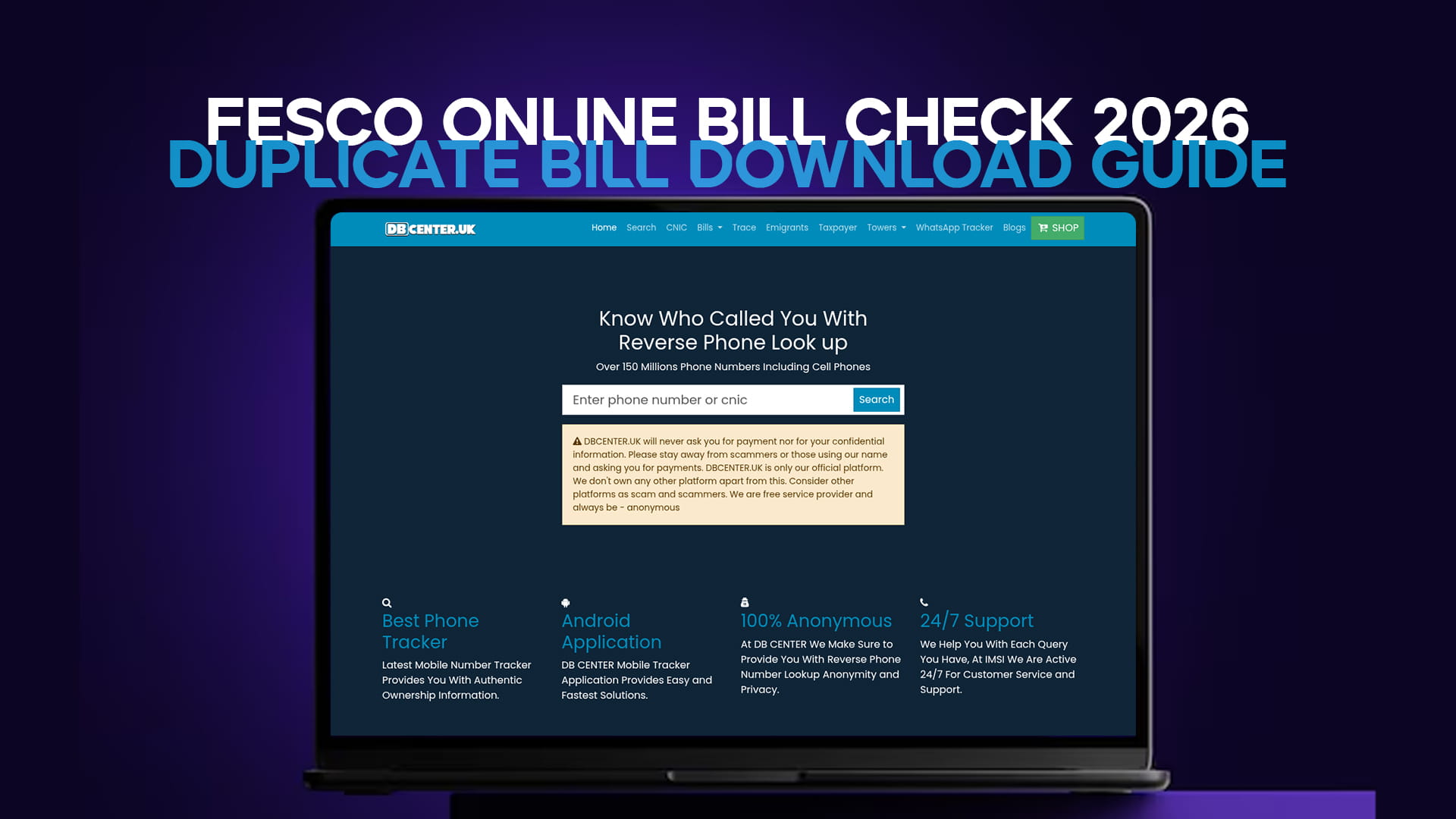
You can check your FESCO bill quickly through DB Center's FESCO bill page. Enter your reference number to view and download your Faisalabad electricity bill from the official billing data — no paper copy needed. DB Center also covers the other major DISCOs, which is handy if you manage connections in more than one region.
Tracking your units and avoiding bill spikes
Because every FESCO bill shows the units consumed, checking online each month lets you watch your usage trend rather than just reacting to the final amount. This matters most around the protected-status threshold. A modest household that stays under 200 units enjoys much lower rates, but a single high-consumption month — a hot spell, a houseful of guests, a new appliance — can push usage over the line and trigger far higher non-protected rates.
Watching your units month to month gives you early warning. If you notice consumption climbing toward the threshold, you can ease off before you tip into a more expensive band. If a month spikes unexpectedly with no change in habits, that is a prompt to check the meter reading for an error. Seasonal swings are especially sharp in the FESCO region's hot summers, when cooling loads drive units — and therefore slab rates — upward. Managing air conditioners efficiently, servicing them, and pairing them with fans to allow higher thermostat settings all help keep your units, and your bill, under control during the costliest months.
How to pay your FESCO bill online
Once you have checked your bill and confirmed the amount, you can pay it straight away through any of these:
- JazzCash: open the app → Bill Payments → Electricity → FESCO → enter reference number → confirm and pay.
- EasyPaisa: open the app → Bill Payment → Electricity → FESCO → enter reference number → confirm and pay.
- Bank mobile app: Bill Payment → Utility/Electricity → FESCO → enter reference number → authorise. Save it as a biller for next month.
- Internet banking: the same flow on desktop.
- ATM: Bill Payment → Electricity → FESCO → enter reference number → pay and keep the slip.
Always pay the "within due date" amount to avoid the late surcharge of roughly 10 percent, and save the confirmation as your receipt.
The bottom line
A FESCO online bill check takes under a minute and removes all the uncertainty of waiting for a paper bill. Find your reference number on any recent bill, save it in your phone, and you can view, download, and pay your Faisalabad electricity bill from anywhere — on time, every month.