The paper bill that used to slide under your door is no longer the only way — or even the fastest way — to know what you owe for electricity. Across Pakistan, the bill sometimes arrives late, sometimes does not arrive at all, and sometimes shows up two days before the due date with no time left to arrange the money. If you have ever stood at a bank counter on the last day, hoping the line moves before it closes, you already know the problem.
The fix is simple. Every electricity distribution company in Pakistan now publishes your bill online, and you can view, download, and print it from your phone in under a minute. This guide walks through how it works for every major DISCO, what number you need before you start, and how to solve the small problems that trip people up.
What is a DISCO, and which one is yours?
DISCO stands for Distribution Company — the public utility that delivers electricity to your area and sends you the bill. Pakistan is divided into regions, and each region has its own DISCO. You cannot check a Lahore bill on a Multan portal, so the first step is knowing which company serves you.
Here are the main distribution companies and the areas they cover:
- LESCO — Lahore Electric Supply Company (Lahore and nearby districts)
- FESCO — Faisalabad Electric Supply Company (Faisalabad region)
- IESCO — Islamabad Electric Supply Company (Islamabad and Rawalpindi region)
- GEPCO — Gujranwala Electric Power Company (Gujranwala region)
- MEPCO — Multan Electric Power Company (Multan and southern Punjab)
- PESCO — Peshawar Electric Supply Company (Khyber Pakhtunkhwa)
- HESCO — Hyderabad Electric Supply Company (Hyderabad and parts of Sindh)
- SEPCO — Sukkur Electric Power Company (Sukkur region)
- QESCO — Quetta Electric Supply Company (Balochistan)
- TESCO — Tribal Electric Supply Company (tribal districts of KP)
If you live in Karachi, your supplier is K-Electric rather than a WAPDA DISCO, and the process is slightly different, but the idea is the same.
Your DISCO name is printed at the top of any old bill. If you have even one previous bill lying around, you are already halfway there.
The one thing you need before you start: your reference number
Every electricity connection in Pakistan has a unique reference number. This is the single most important piece of information for checking your bill online. It identifies your meter, your address, and your billing history all at once.
The reference number is printed in the top-left corner of your electricity bill, usually right below the word "TARIFF." Depending on your DISCO it is a long numeric code — for example, LESCO uses a 14-digit reference number. Some companies also print a shorter Customer ID (LESCO's is 7 digits), and either one will work.
A few quick notes that save people a lot of frustration:
- You only need one value — either the reference number or the customer ID, not both.
- Different people call it different things: "consumer number," "reference number," "customer ID." On most bills these refer to the same identifying code.
- You cannot check an electricity bill using your CNIC, your name, or your address. The system only works with the connection's reference number. This is a common misunderstanding, so if a website promises a "bill check by name," be cautious.
If you have lost every copy of your bill and do not know your reference number, you will need to recover it — ask a neighbour on the same connection type, check an old payment receipt, or contact your DISCO's helpline.
How to check your electricity bill online — the universal steps
While each DISCO has its own portal, the process is almost identical everywhere. Here is the general flow:
- Open the bill-check page for your DISCO (or a reliable bill-check tool that pulls from the official source).
- Enter your reference number or customer ID in the box provided.
- Press the "Check Bill" or "View Bill" button.
- In a few seconds, your current bill loads on screen, showing the payable amount, the due date, units consumed, and payment status.
- Use the download or print option to save a PDF copy or print it for payment.
That is the whole thing. No account, no login, no password. The service runs 24 hours a day, and a downloaded PDF is valid for payment at banks, ATMs, and through every digital wallet.
Checking your bill by DISCO
Below is what to expect for each major distribution company. The on-screen steps are the same — enter your reference number, view, download — but the reference number length and portal layout vary slightly.
LESCO (Lahore)
LESCO serves the largest single population of any Punjab DISCO, so this is the most-searched bill in the country. Enter your 14-digit reference number or 7-digit customer ID, and the portal returns your latest bill with the amount, due date, and meter reading. You can download it as a PDF identical to the original. LESCO does not support checking by CNIC or name.
FESCO (Faisalabad)
FESCO's online system lets you view the current month's bill plus, in many cases, a short payment history. Enter your reference number, check the bill, and download. If a bill has not been generated yet for the month, the portal will show the most recent available copy.
IESCO (Islamabad / Rawalpindi)
IESCO covers the capital region. The portal works the same way — reference number in, bill out — and is useful for the many tenants and office-renters in Islamabad who never receive a paper copy.
MEPCO (Multan / South Punjab)
MEPCO is geographically one of the largest DISCOs, covering a huge swathe of southern Punjab. Online checking is especially valuable here because postal delivery to rural areas is slow. Enter the reference number to view, print, or download.
GEPCO, PESCO, HESCO, SEPCO, QESCO, TESCO
All follow the same pattern. Whether you are in Gujranwala, Peshawar, Hyderabad, Sukkur, Quetta, or the tribal districts, the steps do not change: find your reference number, enter it on the portal, and your bill appears.
What the numbers on your bill actually mean
When your bill loads, it is more than just a total. Reading it properly helps you catch errors and understand charges:
- Units consumed — the kilowatt-hours your meter recorded this month. This drives almost everything else.
- Current bill — the cost of this month's units, calculated against your tariff slab.
- Arrears — any unpaid amount carried over from previous months.
- Fuel Price Adjustment (FPA) — a variable charge reflecting the cost of fuel used to generate power. It changes monthly and is often blamed for "surprise" increases.
- Taxes and surcharges — General Sales Tax, electricity duty, TV licence fee, and government surcharges, all layered on top.
- Payable within due date / after due date — pay before the due date to avoid the late-payment surcharge, which is usually around 10 percent.
A worked example: reading a real bill
Numbers make this concrete. Imagine a household in the Lahore region pulls up its bill and sees 320 units consumed. Here is roughly how that translates into the final figure, and why it lands higher than people expect.
First, the units fall into the non-protected slab for 201–300 and 301–400 units, so the per-unit rate is in the high thirties of rupees rather than the gentle protected rates. That alone produces an energy cost of several thousand rupees. Then the Fuel Price Adjustment is applied to every one of those 320 units — a charge that changes monthly and is entirely outside the household's control. On top of that sit General Sales Tax, electricity duty, the TV licence fee, and the government surcharge that was raised in 2026. Each of these is calculated on the running total, so they compound.
The result is that a bill which "feels" like it should be a few thousand rupees can land at two or three times that. None of it is an error — it is the layered structure doing exactly what it is designed to do. The lesson for bill-checking is simple: when you open your bill online, do not just look at the total. Look at the units first, because the units are what you can actually influence, and everything else flows from there.
What about Karachi and K-Electric?
If you live in Karachi or parts of its surrounding areas, your supplier is not a WAPDA DISCO at all — it is K-Electric, a separate company with its own billing portal. The mechanics are the same in spirit: you enter an account or reference number, view your bill, and download or pay it online. But the website and the exact identifying number differ, so a Karachi resident should use the K-Electric system rather than a LESCO or MEPCO portal. Everyone else across the country uses one of the ten WAPDA distribution companies listed above.
Setting up a new electricity connection
Online checking only works once you have a connection and a reference number. If you are moving into a new property or applying for a fresh connection, you will go through your DISCO's new-connection process, which typically involves an application, documentation, a demand notice, and meter installation. Once the connection is live and the first bill is generated, your reference number becomes active and every method in this guide applies. Until then, there is no bill to check — so if a brand-new connection shows "not found," that is usually why.
Build the habit: check every month
The people who never get caught out by electricity bills are the ones who check online every month as a routine, not just when a paper bill goes missing. A monthly check takes under a minute and gives you three things: confirmation of the amount before the due date, a chance to spot a wrong meter reading early, and a running sense of whether your usage is creeping toward a more expensive slab. Save your reference number in your phone, set a reminder for a few days after your usual reading date, and make it a thirty-second ritual. Over a year, that small habit prevents late fees, catches errors, and removes the last-minute scramble entirely.
Common problems and how to fix them
"Invalid reference number" or "bill not found." Double-check every digit. The most common mistake is a single transposed number. Make sure you are entering the full reference number with no spaces. If you recently got a new connection, the bill may simply not be generated yet.
The bill has not been generated yet. Bills appear online a few days after the meter is read. If yours is not up, wait a day or two and try again, or view the previous month in the meantime.
No payment history showing. Most portals show the current bill clearly but offer only limited history. For older bills you may need your DISCO's full e-bill section or its helpline.
Page will not load. Try a different browser or device, or check again at a less busy time. The official systems occasionally slow down near month-end when everyone checks at once.
A safer, faster way with DB Center
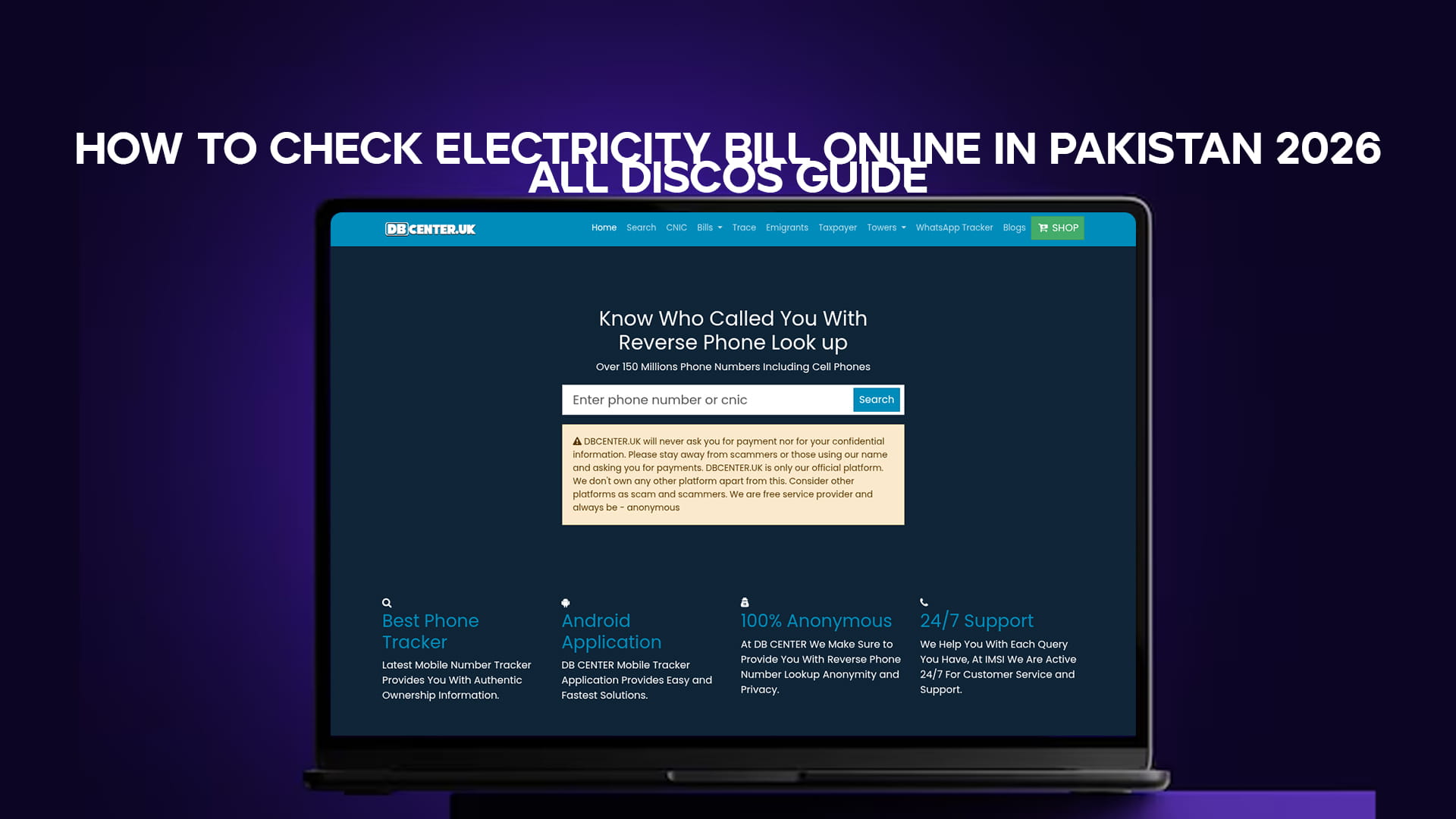
Instead of remembering ten different DISCO websites, you can use DB Center's electricity bill tool, which lets you check bills across the major distribution companies from one place. Pick your company — LESCO, FESCO, IESCO, MEPCO, GEPCO, and more — enter your reference number, and view or download your bill. It pulls the same official billing data, so the bill you see is the bill you owe.
The bottom line
Checking your electricity bill online in Pakistan takes less than a minute once you know your reference number. Find that number on any old bill, keep it saved in your phone, and you will never again be caught out by a bill that arrives late or never arrives at all. Whether you are with LESCO, FESCO, MEPCO, or any other DISCO, the steps are the same — view, download, pay, done.