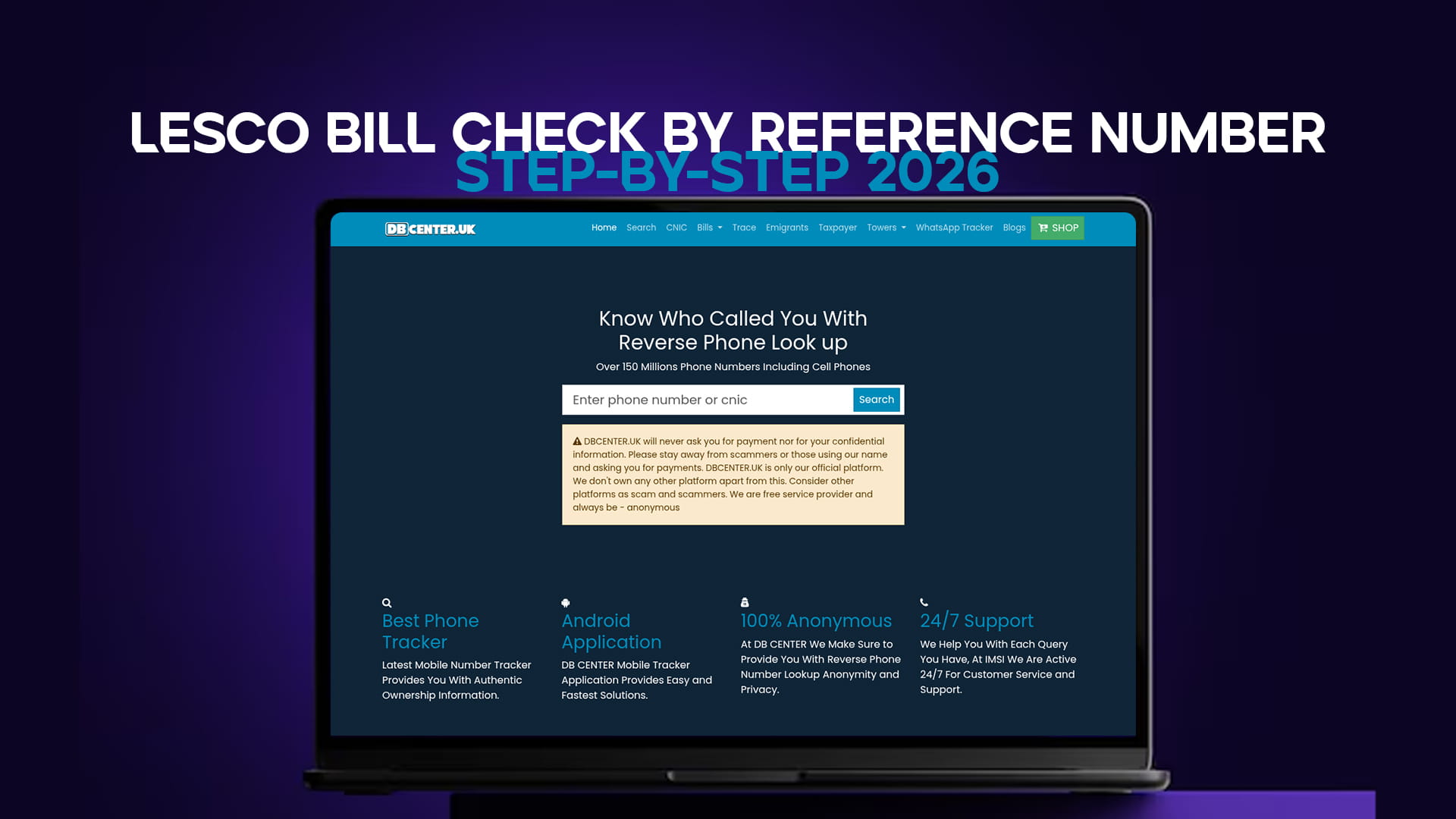
Almost every LESCO bill task online — viewing, downloading, printing a duplicate, or paying — depends on one thing: your reference number. Get that right and the whole process takes seconds. Get one digit wrong and the system returns nothing, which is where most people get stuck.
This guide walks through finding your reference number, checking your bill step by step, and what to do when the number does not work. LESCO (Lahore Electric Supply Company) serves Lahore, Kasur, Sheikhupura, Nankana Sahib, and Okara, so if you are in any of these districts, this is your process.
Step 1: Find Your LESCO Reference Number
The reference number is a 14-digit number printed near the top of every LESCO bill, usually labelled "Reference No." It stays the same on every bill for your connection, so once you have it, you never need the paper copy again.
A quick point of confusion worth clearing up: the reference number is not the same as the customer ID or account number. The customer ID is shorter. For online bill checking, the 14-digit reference number is the one you need. Save it in your phone notes so it is always to hand.
If you have lost every paper bill and cannot find the number anywhere, you have two options: retrieve it from LESCO's customer service helpline (118), or ask a neighbour on the same meter batch, since reference numbers in one area are often sequential.
Step 2: Enter It on the LESCO Bill Tool
Open the LESCO bill check tool. Type your 14-digit reference number into the field and submit. Within seconds the current month's bill loads on screen, showing the units consumed, the amount payable, the issue date, and the due date.
There is no account to create and no fee. The tool works on both mobile and desktop.
If the site does not load: some networks in Pakistan filter it. Switch on any free VPN — Proton VPN or Windscribe — and it opens immediately.
Step 3: View, Download, or Print
Once your bill appears, you can read the full breakdown on screen, download it as a PDF, or print it directly. The downloaded copy is a valid duplicate of your official LESCO bill — suitable for tax records, tenancy files, or any situation where you need proof of the bill without the original paper copy.
When the Reference Number Does Not Work
A "not found" or blank result almost always means one of these:
A wrong digit — the most common cause. Recount the number; it must be exactly 14 digits with no spaces. Re-enter it carefully.
A brand-new connection — very recent connections sometimes take a billing cycle before they appear in the online system.
A site access issue — if the page will not load at all rather than returning "not found," that is a connectivity problem, and a VPN resolves it.
If the number is definitely correct and the connection is not new, contact LESCO on 118 to confirm your reference number is active in their system.
Paying Your LESCO Bill After Checking
With the bill in front of you, paying is straightforward. Use JazzCash or Easypaisa by entering the reference number in the bill-payment section, pay through your bank's app or internet banking, use an ATM's utility-payment option, or pay cash at a designated bank branch. Keep the confirmation message or screenshot until the payment reflects, which can take a day or two.
The Short Version
Find your 14-digit reference number on any past LESCO bill, enter it on the LESCO bill tool, and view, download, or pay in seconds — free, no login. A "not found" result is almost always a mistyped digit, so recheck the number first. If the site itself will not open, a VPN fixes it. For other regions, the main electricity hub covers every DISCO, and you can check your gas bill the same way.