NADRA — the National Database and Registration Authority — issues and maintains the record for every Computerised National Identity Card in Pakistan. Verifying a CNIC means checking a number against that record to confirm whether it is genuine and what its current status is. It is a routine step before renting to a tenant, hiring an employee, entering a business deal, or handling a property transaction, because a CNIC that does not verify is a clear warning sign.
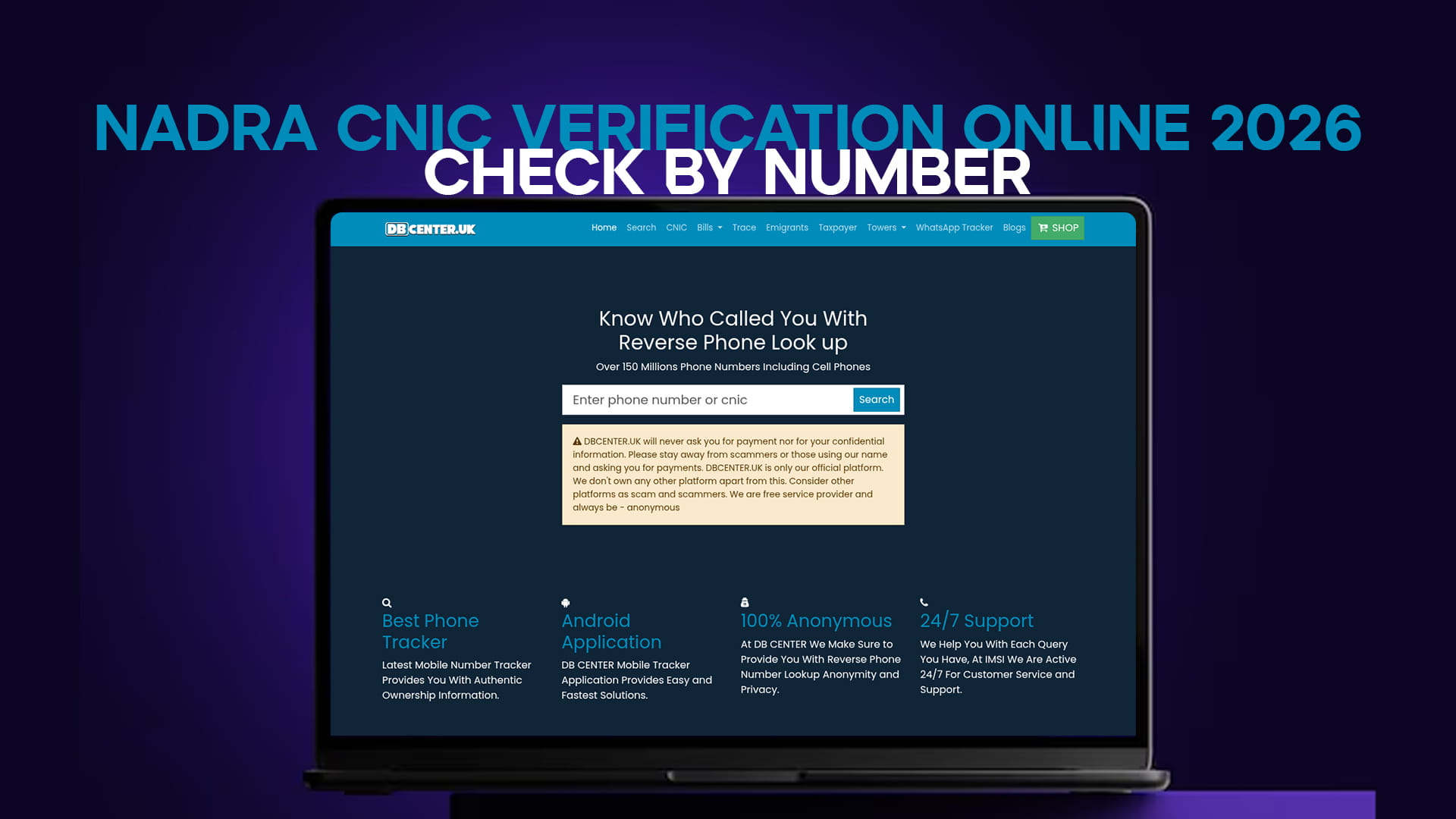
The quickest way to check is DB Center's CNIC verification tool — enter the 13-digit number and the status comes back in seconds, free and without a login.
If the site does not open: turn on any free VPN — Proton VPN or Windscribe — and it loads immediately.
What the 13 Digits Tell You
A CNIC number is not random. It is a structured 13-digit code. The first five digits identify the district and tehsil where the card was registered. The next seven form the family and individual serial. The final digit indicates gender — an odd number for male, an even number for female. So even before a formal check, the number itself reveals the registered region and gender of the holder, which can be a useful cross-reference against what someone has told you.
Methods to Verify a CNIC
Online Verification Tool
The simplest method is an online checker. Enter the 13-digit CNIC and the tool returns whether the card is active, expired, or blocked, along with available record details. This is the fastest route for a one-off check and needs no account.
NADRA's Official Channels
For formal or official verification, NADRA's own services at nadra.gov.pk and its registration centres provide authoritative confirmation, including detailed record checks and Family Registration Certificates. Businesses that need continuous verification use NADRA's Verisys service, which requires registration and a per-query fee and is designed for banks, telecoms, and organisations.
SMS Confirmation
NADRA's SMS service allows a quick validity confirmation from any phone by sending the CNIC number to the designated NADRA short code, which returns whether the number is valid and the registered name.
What "Active," "Expired," and "Blocked" Mean
A verification returns one of a few statuses, and each means something specific. Active confirms the card is genuine and currently valid. Expired means the record exists but the card's ten-year validity has lapsed and it needs renewal before use in official transactions. Blocked means NADRA has administratively restricted the card — for a duplicate record, a court order, a voluntary lost-card block, or another reason — and it must be resolved at a NADRA centre before the card can be used again.
If a check returns "not found," the number is usually either mistyped or not registered, so recheck the digits before drawing conclusions.
Common Reasons to Verify a CNIC
Verification is standard due diligence in many situations. Landlords confirm a tenant's identity before signing a lease. Employers verify candidates during hiring. Buyers and sellers confirm each other's identity before a property deal — and here it pairs naturally with checking FBR filer status, since filer and non-filer parties face different withholding tax; the taxpayer verification tool confirms that in seconds. For overseas Pakistanis handling affairs from abroad, the emigrants verification tool covers related identity checks for family members and counterparties back home.
Verification and Privacy
CNIC verification tools are meant for legitimate identity confirmation of consenting parties and genuine due diligence. Using them to stalk, harass, or gather information on someone without lawful purpose violates Pakistan's privacy protections and the Prevention of Electronic Crimes Act (PECA) 2016. If you need to check an unknown number rather than a CNIC, the number trace tool handles that side, and a general identity search helps cross-reference details you already hold — always for legitimate purposes.
The Short Version
To verify a NADRA CNIC, enter the 13-digit number in an online checker and read the result — active, expired, or blocked. For formal verification, use NADRA's own channels at nadra.gov.pk. The check is standard before tenancies, hiring, and property deals, and pairs well with an FBR filer check for transactions. Use it for legitimate purposes only. If the site does not open, a VPN resolves it.