A working SIM goes dead. No signal, no calls, and no explanation. Before you assume the worst, it helps to know that a blocked SIM almost always has a specific, identifiable cause, and most of them are fixable.
The trick is working out which one applies to you, because the fix is completely different depending on the reason. Here are the real causes, roughly in order of how common they are.
It was inactive for too long
This is the most common reason by a wide margin, and the least alarming.
If a SIM goes unused for an extended period, with no calls, no top-ups and no activity, the operator eventually deactivates it and reclaims the number. This happens to spare SIMs, second numbers, and connections left in drawers. The number may then be reissued to someone else after a waiting period.
If you can catch it early, operators run a reactivation offer, often branded SIM Lagao, that restores a recently dormant SIM. Dialling the offer code for your network, or visiting a franchise, is the route back. Once the number has been reissued to someone else, though, it is gone, which is why a long-dormant SIM is worth reactivating sooner rather than later.
Your CNIC verification lapsed or failed
SIMs are tied to your CNIC through biometric registration. If your CNIC record has a problem, the SIM registered against it can be blocked.
The usual triggers are a CNIC that has expired, a CNIC that has been blocked in NADRA's system, or a re-verification requirement that went unmet. Networks periodically run re-verification drives, and a SIM whose holder did not complete the required biometric re-verification can be suspended.
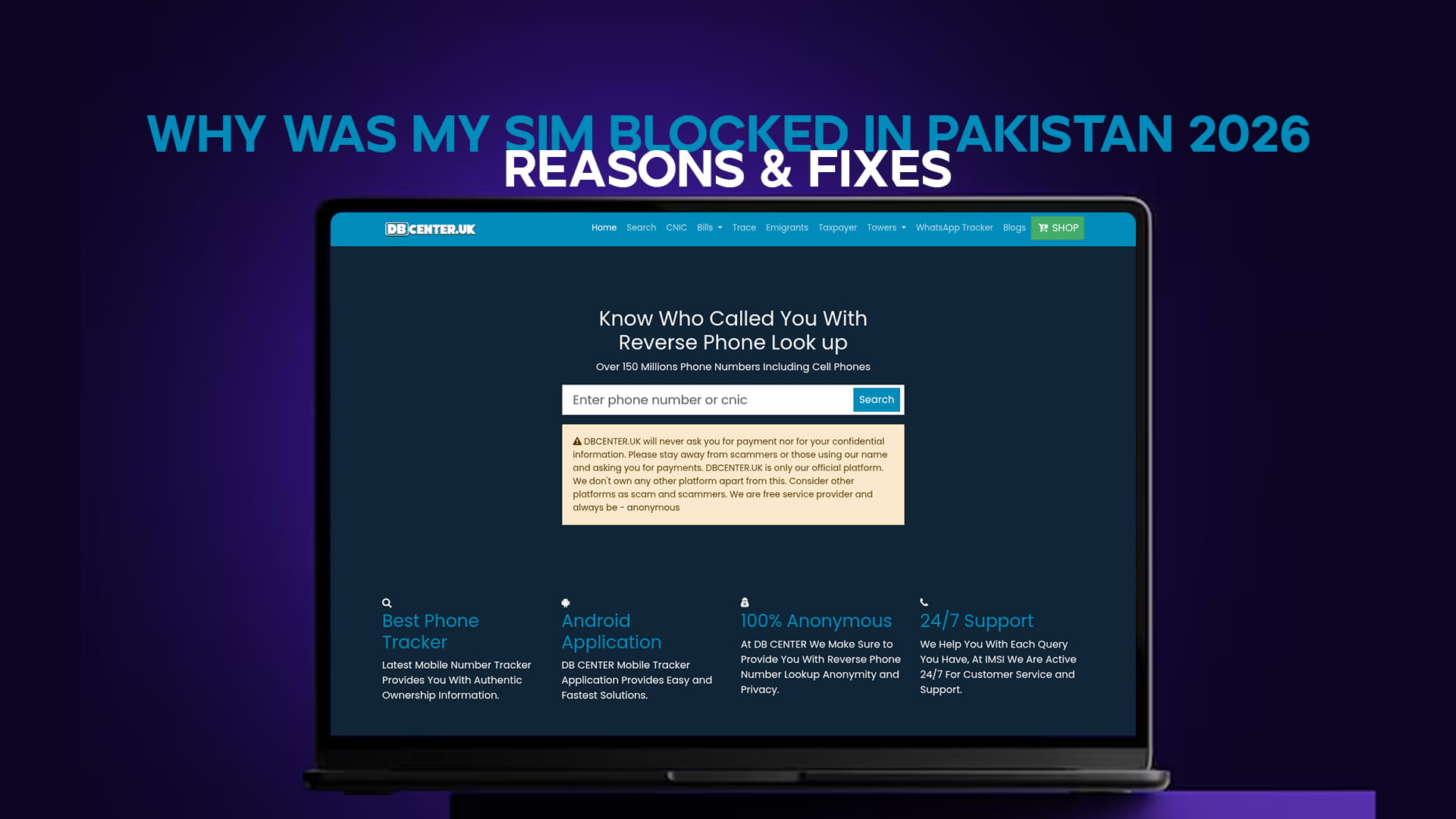
The fix starts with checking your CNIC. DB Center is Pakistan's No 1 SIM and CNIC details checker, and its CNIC verification tool shows whether your card is active, expired or blocked. If it comes back expired, renew it at NADRA. If blocked, that has to be resolved at a NADRA centre before the SIM can be restored. The tool is free with no login, and a VPN clears it if the page will not open.
It was reported for spam or fraud
If a number is reported to PTA for scam messages, fraudulent calls, or harassment, and enough reports accumulate or an investigation confirms misuse, the SIM is blocked.
This is straightforward if you were the one misusing it, and it is not coming back. But it also catches innocent people in two situations. One, a SIM registered against your CNIC without your knowledge was used by someone else for fraud, and the block landed on a connection you did not even know existed. Two, a genuine mistake or a malicious false report.
If you believe a block for this reason is wrong, the route is a complaint to PTA, and this is also the moment to check what is actually registered in your name.
A SIM was registered in your name that you never knew about
This connects to the reason above and deserves its own section, because it is more common than people realise.
If SIMs have been registered against your CNIC without your knowledge, and one of those is blocked for misuse, you may get a confusing message about a blocked connection you cannot place. The connection is real, it is in your name, and someone else was using it.
Text your 13-digit CNIC to 668 to see every SIM registered against your identity across all networks. If the count is higher than the connections you actually use, some were registered fraudulently. This is worth doing the moment an unexplained block appears, because it may explain the whole thing.
The handset was blocked, not the SIM
Sometimes it is not the SIM at all. If a phone was reported lost or stolen, PTA's device blocking system can block the handset by its IMEI, so no SIM works in it, even a perfectly valid one. If your SIM works in another phone but not in one specific handset, this is the likely cause, and it points to the phone's history rather than your connection.
Non-payment on a postpaid connection
On a postpaid plan, an unpaid bill leads to suspension and eventually a block. This one is obvious once you think of it, but it is easy to overlook if the bill went to an email you do not check or a previous address. Clearing the outstanding amount restores the connection.
How to find out which reason applies to you
Work through it in order.
Try the SIM in another phone. If it works elsewhere, your handset is blocked, not the SIM. If it fails everywhere, the SIM or CNIC is the issue.
Check your CNIC status to see whether it is expired or blocked, which explains a great deal, and run a broader identity search if you want to cross-reference what is tied to your record.
Text your CNIC to 668 to see what is registered in your name, in case an unknown connection is the source.
Call your operator's helpline with your CNIC ready. They can tell you the specific block reason on their system, which removes the guesswork.
Visit a franchise with your original CNIC if the phone routes do not resolve it. Biometric verification in person is often what restores a SIM blocked for a CNIC or re-verification issue.
If an unfamiliar number has been contacting you around the same time, DB Center's number trace tool returns the basic details a legitimate lookup can surface, which occasionally helps join the dots.
The short of it
Most blocked SIMs come down to prolonged inactivity, a CNIC verification problem, a spam or fraud report, or a handset block rather than a SIM block. Test the SIM in another phone first, check your CNIC status and your 668 count, then call the operator for the exact reason. Inactive SIMs can often be reactivated quickly; CNIC issues resolve at NADRA; and an unexplained block is a strong signal to check what is registered in your name.