There was a time when finding out who owned a particular phone number in Pakistan meant going through a long, frustrating process — filing requests, visiting offices, and waiting days for a response. Today, that has changed. The tools available for checking SIM ownership and CNIC information online have improved dramatically, and most of the important checks can be done in minutes from your phone.
This matters more than ever. With mobile banking, digital wallets, e-commerce, and government services all tied to phone numbers, your SIM card is no longer just a way to make calls. It is part of your digital identity. And your CNIC — your Computerized National Identity Card — is the foundation that ties all of it together in Pakistan's telecom system.
This article covers everything related to full SIM ownership and CNIC information online in Pakistan. How the registration system is structured, how you can check what is registered under your identity, how to deal with fraud or misuse, and how reverse phone lookup tools like DB Center fit into the bigger picture.
Understanding SIM Ownership in Pakistan
Every SIM card issued in Pakistan is supposed to be owned by a real, verified person. The Pakistan Telecommunication Authority, PTA for short, is the regulatory body that oversees this system. Under PTA's rules, no SIM can be activated in Pakistan without biometric fingerprint verification tied to a valid CNIC.
When you walk into a telecom retailer and buy a new SIM from Jazz, Telenor, Zong, Ufone, or SCO, the retailer runs your CNIC through the NADRA verification system and scans your fingerprint. If the biometric matches, the SIM is activated under your identity. If it does not, the activation fails.
The end result is that every SIM card in Pakistan is legally owned by the person whose biometric data was verified at the time of registration. That person is the SIM owner on record.
This is why SIM ownership and CNIC information are so tightly connected in Pakistan. The two cannot be separated. Your CNIC is the key that links you to every SIM registered under your name, and the telecom system is designed to make that linkage verifiable.
Why Full SIM Ownership Information Matters
Knowing the full picture of SIM ownership under your CNIC is not just useful — for many people, it is necessary.
Preventing identity-based fraud. Pakistan has seen significant incidents of fraud where stolen or photocopied CNICs were used to register SIM cards. Once a fraudster has a SIM registered under your identity, they can use it to open financial accounts, receive OTPs, bypass two-factor authentication, and conduct illegal activities that trace back to you.
Managing your telecom footprint. Most people have no idea how many SIMs are registered under their name. Between old SIMs they stopped using, replacements they got over the years, and sometimes unauthorized registrations, the total can be surprising. Knowing the full picture helps you stay in control.
Resolving legal and financial issues. If a SIM registered under your CNIC is used for a financial dispute, fraud case, or legal matter, the liability initially falls on the registered owner. Staying on top of your SIM registrations means you can quickly dispute any connection to activity you were not part of.
Protecting your number from takeover. SIM swapping — where a criminal convinces a telecom to transfer your number to a new SIM — is a real threat. Regularly checking your registrations helps you catch unusual changes early.
Identifying unknown callers. When someone calls you from an unknown number, you need information to decide whether to respond, ignore, or report. That information is available through the right tools.
How CNIC and SIM Data Are Linked in Pakistan
The technical foundation behind SIM ownership information in Pakistan rests on two databases working together.
NADRA's national identity database holds records for every Pakistani citizen with a valid CNIC. This includes biometric data — fingerprints and, in newer records, facial recognition data. When a SIM registration happens, the telecom retailer sends the fingerprint data to NADRA's system for real-time verification.
PTA's SIM Information System (SIS) is the telecom layer. It records which SIM cards are active, which CNIC they are registered under, which telecom operator issued them, and when they were activated. PTA's system is what you are querying when you check SIM ownership information online.
When these two systems work together correctly, the chain from SIM to owner is clear. You can trace any registered SIM back to the CNIC it was activated under, and from there to the verified individual on record.
The practical benefit for everyday citizens is that you can query PTA's system to check what is registered under your own CNIC — and if anything looks wrong, you have the information you need to take action.
How to Check Full SIM Ownership Information Online
There are several ways to access SIM ownership information in Pakistan, ranging from a quick SMS check to more detailed online portal queries.
The SMS Check – 668
This is the simplest and fastest method available.
- Open your messaging app on any mobile phone.
- Type your 13-digit CNIC number without any dashes or spaces.
- Send this message to 668.
- Within a few minutes, you receive an automated reply showing the total number of SIM cards registered under your CNIC and which telecom network each belongs to.
The 668 service is free, works on all major networks, and does not require internet access. Even basic mobile phones can use it.
The limitation is that it only shows the count and the network — not the actual phone numbers themselves. For identifying specific numbers, you need to take the next step.
PTA's Online SIM Information System
PTA maintains a web portal where you can access more detailed SIM registration information.
- Go to PTA's official website.
- Navigate to the SIM Information System section.
- Enter your CNIC and complete the verification steps.
- The portal displays the list of SIM registrations under your CNIC.
The web portal is particularly useful if you want a comprehensive record or need to access the information from a desktop or laptop rather than a mobile device. It can also be a helpful starting point when preparing documentation for a complaint.
Visiting a Telecom Franchise
For the most complete picture — including identifying the exact numbers registered under your CNIC and resolving any issues directly — visiting a franchise of the relevant telecom operator is the best option.
Bring your original CNIC. The franchise staff can verify your identity biometrically, show you the complete SIM records associated with your CNIC, and immediately block or de-register unauthorized SIMs on the spot. This is the most thorough path for anyone who finds unexpected results in the SMS or online checks.
Reading Your SIM Registration Results
When you get the results back from a 668 check or the PTA portal, here is how to interpret what you see.
Expected results: You see one to five SIM entries corresponding to the SIMs you know you have. The operators listed match the networks you actually use. Nothing is surprising.
Fewer SIMs than expected: A SIM you thought was still active may have been deactivated — for inactivity, non-payment, or for another reason. This is worth checking with the operator but is generally not a concern.
More SIMs than expected: This is the situation that needs attention. An extra SIM entry — especially from an operator you have never used — almost always means someone registered a SIM under your CNIC without your knowledge. Act on this promptly.
More than 5 SIMs total: PTA limits registrations to 5 SIM cards per CNIC across all networks. If your result shows more than five, it indicates either a historical database issue or a bypass of the registration limit, both of which should be reported.
What to Do About Unauthorized SIM Registrations
Finding an unauthorized SIM under your CNIC is alarming, but it is something you can resolve. Here is the process.
Document the findings. Take a screenshot or write down exactly what the 668 reply or PTA portal showed — which operators, how many SIMs, and any reference details. You will need this for complaints.
Contact the relevant telecom operator. Take your original CNIC to the franchise of the operator showing the unauthorized SIM. Request that the SIM be blocked and de-registered. Under PTA's consumer protection guidelines, operators are required to investigate and act on these requests.
File a complaint with PTA. PTA's complaint portal allows you to submit formal complaints about unauthorized SIM registrations. PTA can investigate the registration, identify the retailer responsible, and take regulatory action.
Contact NADRA if your CNIC was misused. If you believe your CNIC data was stolen or misused, report it to NADRA. They can place a flag on your record and add additional verification requirements to prevent further misuse.
Report to FIA Cybercrime Wing if the SIM was used for criminal activity. If the unauthorized SIM was used for fraud, harassment, financial crime, or any illegal purpose, the Federal Investigation Agency's Cybercrime Wing handles these cases. File a report through their online system or at a regional office.
Taking these steps promptly is important. The longer an unauthorized SIM remains active under your identity, the more damage it can do.
Reverse Phone Lookup – The Other Side of SIM Ownership
Checking what is registered under your CNIC answers one question: what do others have registered under your name? But there is a second question that comes up just as often: who owns the number that just called you?
This is where reverse phone lookup becomes essential.
Reverse phone lookup works in the opposite direction from a regular phone directory. Instead of typing a person's name to find their number, you type the number to find information about the person. It is a simple concept that turns out to be genuinely useful in daily life.
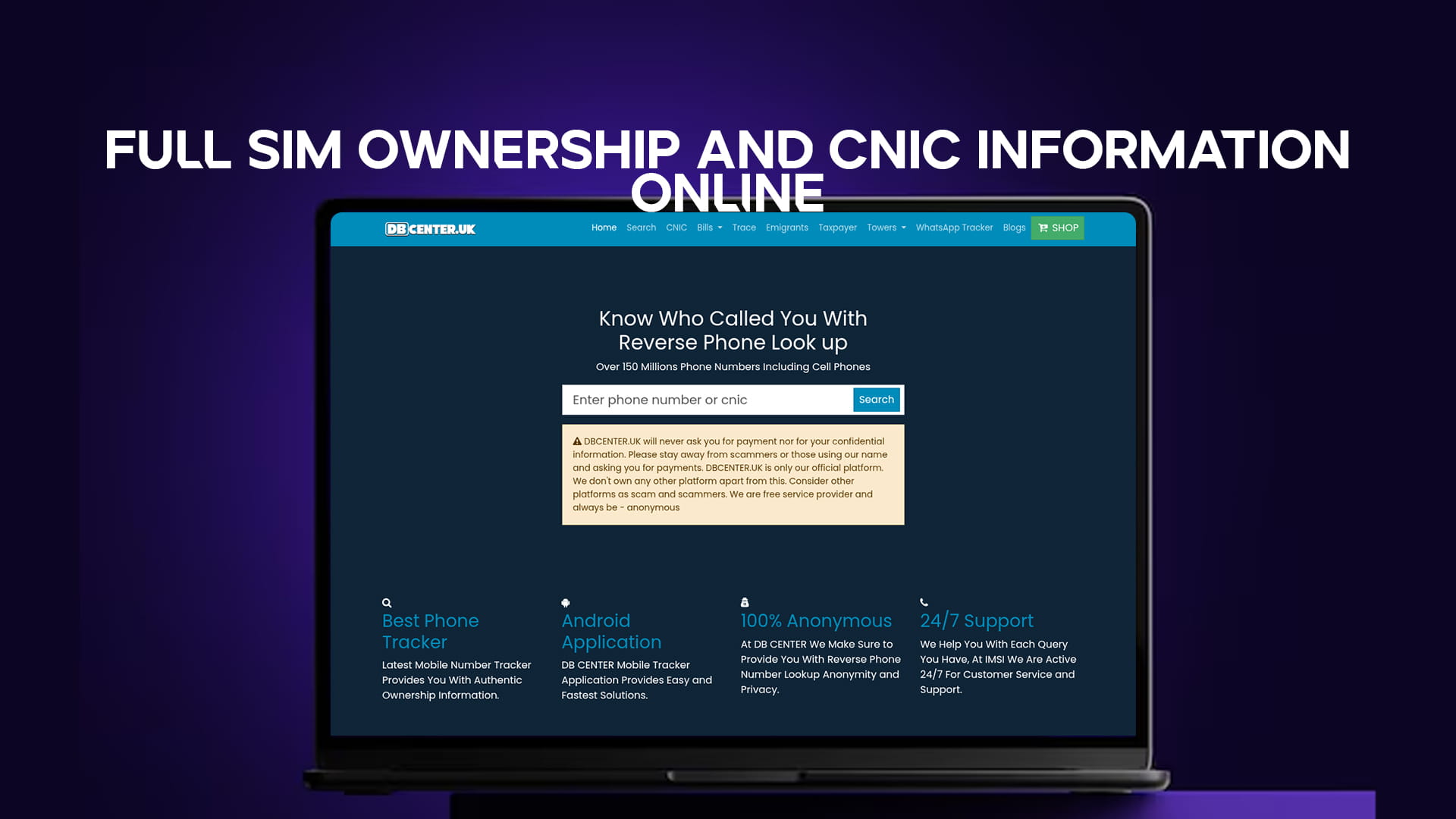
DB Center is a reverse phone lookup platform covering over 150 million phone numbers, including cell phone numbers — which account for the overwhelming majority of calls in Pakistan. Cell phone numbers have historically been harder to trace because they are not listed in traditional directories. DB Center's database changes that, making it practical to look up mobile numbers the same way you would a landline.
When you enter a number into DB Center, the platform returns:
Name and identity data where available — who the number is registered to or associated with.
Carrier information — which telecom network issued the number.
Location data — the city or region the number is associated with, based on available registration or usage data.
User-generated reports — flags submitted by other people who received calls from that number. These reports identify numbers as spam, scam calls, telemarketers, harassment, or legitimate businesses. This is often the most immediately useful piece of information because it tells you how other people have experienced calls from that number.
For Pakistani users dealing with a high volume of unknown calls — which is a real and common problem — DB Center provides a fast, practical way to make informed decisions before responding to any call.
Common SIM and CNIC Fraud Scenarios in Pakistan
Understanding how fraud happens helps you recognize warning signs early.
The CNIC photocopy problem. Every time you hand a photocopy of your CNIC to a landlord, employer, school, or service provider, that copy could potentially be misused for SIM registration. The biometric verification step is supposed to prevent this, but not all retailers follow proper procedure. Adding a handwritten note on copies — stating the specific purpose they are for — can reduce misuse.
SIM swapping attacks. A fraudster calls your telecom operator posing as you. They claim to have lost their SIM and request that your number be transferred to a new SIM in their possession. Once they have your number, they can intercept OTPs for your bank accounts, email, and other services. Telecom operators have gotten better at preventing this, but it still happens.
Pre-activated SIM reselling. Some retailers activate SIMs in bulk using fabricated identity data and sell them to buyers who want anonymous numbers. These SIMs may end up registered under a real person's CNIC without their knowledge, depending on how the fraud was committed.
Caller ID spoofing. A call appears on your screen as coming from a Pakistani number — sometimes a bank, a government agency, or a number you recognize. In reality, the call is generated through VoIP or spoofing software, and the number shown is either fake or belongs to an unsuspecting third party. The person whose number is being spoofed often has no idea.
OTP theft calls. You receive a call from someone claiming to be from your bank, your network, or a government agency. They ask you to confirm or share a one-time password. This is always a scam. Real organizations that send OTPs never need to call you to confirm them.
DB Center as a Tool for Everyday Protection
For most people, the practical question is simple: someone called, I do not know who it is, and I want to find out before I respond. DB Center answers that question directly.
With 150 million numbers in its database including mobile numbers, DB Center covers the range of calls that Pakistani residents are most likely to receive. The platform does not require you to set up an account or go through a lengthy process. You enter the number, and you get results.
The community-driven flagging system is particularly valuable. When a scammer is working a particular area or running a particular scam, they typically call many people. Each person who gets the call and marks it as fraud adds to the record. By the time the scammer calls you, there may already be dozens of flags on that number warning you exactly what it is.
This shared intelligence aspect makes the tool more useful over time. It is not just a static database — it grows and updates based on real user experiences.
For businesses that receive client calls, for people who regularly deal with unknown numbers, and for anyone who wants to check a number before returning a missed call, DB Center is a practical first step that takes less than a minute.
Staying Ahead of SIM and CNIC Fraud – Daily Habits
Good protection is mostly about consistent habits rather than one-time fixes.
Check your SIM registrations every few months. SMS to 668 takes 30 seconds. Make it a regular habit rather than something you only do when you suspect a problem.
Be deliberate about CNIC copies. Keep a record of who you give copies to. When you hand over a copy, write the purpose on it so it cannot be repurposed.
Use strong, unique passwords for accounts tied to your phone number. If a fraudster gets your number through SIM swapping, a strong password is the next barrier they face.
Never confirm OTPs over the phone. This one point alone prevents the majority of phone-based financial fraud. Legitimate institutions do not call you asking for a code that was just sent to you.
Look up unknown numbers before calling back. A 30-second check on DB Center can save you from returning a call to a scammer or confirming that your number is active to a fraud operation.
De-register SIMs you no longer use. An inactive SIM sitting registered under your name is a liability. Go through the proper de-registration process rather than simply stopping use of the number.
Resources for Reporting Problems
If you run into a SIM or CNIC issue that needs to be addressed through official channels, here is a quick reference.
PTA Helpline and Complaint Portal: For unauthorized SIM registrations, spam calls, and telecom fraud. PTA can investigate and take action against operators and retailers.
NADRA: For issues involving your CNIC data being misused, stolen, or compromised at the identity level.
Telecom Operators: Jazz, Telenor, Zong, Ufone, and SCO all have franchise networks and fraud reporting systems. For immediate SIM blocking and de-registration, going in person to a franchise is the fastest path.
FIA Cybercrime Wing: For criminal activity linked to phone numbers — including financial fraud, blackmail, and harassment. Reports can be filed online or at regional offices.
DB Center: For identifying unknown numbers and contributing community reports to help flag scam numbers for other users.
Final Thoughts
Full SIM ownership and CNIC information online has become easier to access than most people realize. The tools are there — the PTA SMS check, the online SIM Information System, the telecom franchise network, and reverse lookup platforms like DB Center. What has been missing, for many people, is simply knowing that these tools exist and how to use them.
Your CNIC is the foundation of your legal identity in Pakistan. Your SIM card is increasingly the gateway to your financial and digital life. Keeping both secure is not a technical task — it is a matter of a few simple habits and knowing where to look when something seems off.
Send an SMS to 668 today. Check your registrations. And the next time an unknown number calls, run it through DB Center before you decide whether to answer. These two steps alone put you significantly ahead of most people when it comes to protecting yourself from SIM and CNIC-related fraud in Pakistan.