WhatsApp is not just a messaging app in Pakistan — it is how the country communicates. Family groups, business dealings, customer support, news sharing, government notifications — it all flows through WhatsApp. With over 50 million active users in Pakistan alone, the platform has become as essential as a phone call or an email.
And with that scale comes a serious problem. The same platform that helps a mother stay in touch with her children overseas is also the channel through which scammers send fake job offers, fraudsters impersonate banks, and harassers hide behind unknown numbers. Every day, millions of Pakistanis receive messages or calls from unknown WhatsApp numbers and have no immediate way to verify who is on the other end.
This article covers everything about checking WhatsApp numbers online in Pakistan. How to identify unknown WhatsApp callers, how to verify whether a number is legitimate, what tools exist for reverse lookup including DB Center, and what steps to take when a WhatsApp number turns out to be connected to fraud or harassment.
Why Unknown WhatsApp Numbers Are a Real Problem in Pakistan
The appeal of WhatsApp for scammers and fraudsters is obvious. The app runs on any internet connection, allows profile pictures and display names to be set freely, and in Pakistan, it is so widely trusted that people let their guard down when they receive a message there.
The result is that WhatsApp has become one of the most common channels for scams targeting Pakistani users.
Job offer scams. A number you do not recognize sends you a WhatsApp message claiming to offer a high-paying job abroad or a remote work opportunity. The message looks professional. The offer sounds real. But the goal is to extract a registration fee, personal documents, or banking information.
Bank impersonation. A WhatsApp number sends a message claiming to be from your bank, telling you that your account is at risk or that you need to verify your details immediately. Real banks in Pakistan do not send account security messages through WhatsApp, but the messages are designed to look official.
Prize and lottery fraud. You receive a WhatsApp message saying you have won a prize, lottery, or mobile network reward. To claim it, you need to share personal information or pay a small processing fee.
Romance scams. An unknown number makes contact on WhatsApp, builds a relationship over days or weeks, and eventually introduces a financial angle — an emergency, an investment opportunity, or a request for help.
Extortion and blackmail. In some cases, unknown WhatsApp numbers are used by individuals who have obtained compromising photographs or information and use them to demand money.
Harassment and threats. Unknown numbers are used to send threatening messages, harass individuals, or stalk people across locations.
In every one of these situations, being able to check the WhatsApp number — find out who it belongs to, whether it has been flagged by others, and what it is connected to — gives you an enormous advantage over simply guessing or ignoring it.
How WhatsApp Numbers Work in Pakistan
Every WhatsApp account is linked to a mobile number. In Pakistan, that number is registered under a CNIC through the biometric SIM registration system that PTA and NADRA maintain. This means that at the system level, every Pakistani WhatsApp account has a traceable owner — even if that connection is not directly visible to the person receiving the message.
Pakistani mobile numbers follow a standard format. They begin with the country code +92 followed by the mobile network prefix and the subscriber number. Jazz numbers typically begin with 03xx, Telenor with 03xx, Zong with 03xx, and Ufone with 03xx — the specific second digit distinguishes each network.
When someone contacts you on WhatsApp from an unknown number, the number shown is the mobile number they registered their WhatsApp account with. If that number is a Pakistani SIM, it is registered in PTA's database and tied to a real identity. If it is a foreign number or a VoIP number, the trail is different but it still carries useful information.
Knowing this is important because it means checking a WhatsApp number is not fundamentally different from checking any other phone number. The tools that apply to reverse phone lookup — including DB Center — can provide useful information about who a WhatsApp number belongs to.
How to Check a WhatsApp Number Online in Pakistan
When you receive a message or call from an unknown WhatsApp number, here are the practical steps to check it.
Step One – Check the Number Format
Before anything else, look at the number. Is it a Pakistani number (+92 format or 03xx)? Is it international? Is it a short number or a VoIP number?
- Pakistani mobile numbers starting with 03xx are registered SIMs tied to real identities in PTA's database.
- International numbers may belong to overseas Pakistanis or may be foreign accounts.
- VoIP or internet-generated numbers are used by apps that allow people to create WhatsApp accounts without a real SIM. These are harder to trace and are disproportionately used for fraud.
Knowing the format immediately tells you something useful about the likelihood that the number is legitimate.
Step Two – Check the WhatsApp Profile
Within WhatsApp itself, tap the number to open the contact profile. Look at:
Profile picture. Is there a photo? Does it look like a real person or a stock image? Reverse image searches on profile photos can sometimes reveal whether the photo was taken from the internet.
About/status section. Fraudulent accounts often have generic or copied text here.
Last seen and online status. If the account was very recently created and has minimal activity, that is a signal worth noting.
Linked business profile. Some scam accounts pose as businesses. If a business name and category appear, check whether that business actually exists.
None of these checks are definitive on their own, but together they give you a quick first assessment.
Step Three – Use Reverse Phone Lookup
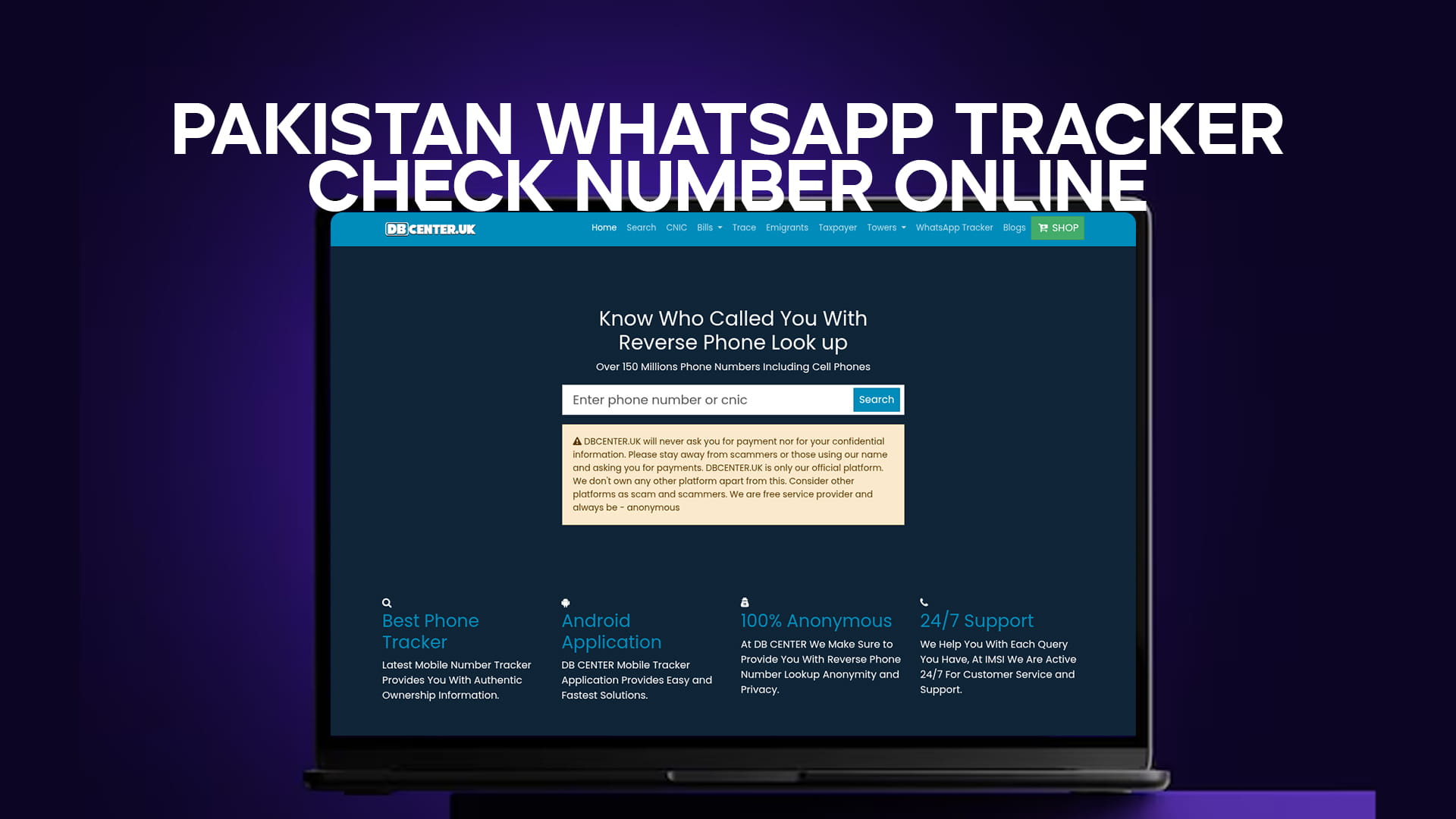
Enter the WhatsApp number into a reverse phone lookup tool. DB Center is one of the strongest options available for this purpose, with a database of over 150 million phone numbers including cell phone numbers from Pakistan and internationally.
When you enter a number into DB Center, the platform pulls up whatever information is available for that number. This can include:
The name or identity associated with the number, where public data exists.
The telecom carrier, which tells you which Pakistani network issued the SIM — a useful data point for Pakistani numbers.
Community-generated reports. This is often the most immediately useful information. If other people have received messages or calls from that number and flagged it as a scam, spam, or fraud, those reports appear in the DB Center results. A number with multiple reports of fraudulent behavior is one you should not engage with.
Location data, where available, indicating which city or region the number is associated with.
This process takes under two minutes and gives you far more information than ignoring the number or blindly responding to it.
Step Four – Search the Number Online
A simple web search of the number — in both the local format (03xx xxxxxxx) and the international format (+92 3xx xxxxxxx) — can surface forum posts, complaint threads, or social media discussions where others have warned about that number.
In Pakistan, several Facebook groups and local forums have become spaces where people share information about scam numbers, fraudulent businesses, and harassing callers. A quick search sometimes reveals exactly what operation a particular number is connected to.
Step Five – Verify Through PTA's System If Needed
If you have a strong reason to believe that a number is being used for serious fraud — financial scams, blackmail, or threats — and you want to know what CNIC it is registered under, that information is not directly available to the public through PTA's citizen-facing tools. However, you can file a formal complaint with PTA or the FIA Cybercrime Wing, and as part of their investigation, they have the authority to pull the full registration details from the SIM database.
For most everyday situations — identifying a spam account, deciding whether to respond to an unknown message, or gathering information about a suspicious caller — the earlier steps are sufficient.
What DB Center Offers for WhatsApp Number Verification
DB Center is built around the core idea that people should be able to find out who called them or messaged them. With a database covering over 150 million numbers including cell phones, it is particularly well-suited to the Pakistani context where mobile numbers dominate communication.
For WhatsApp-specific situations, DB Center provides value in several ways.
Identifying unknown senders before you respond. Before you reply to an unknown WhatsApp message — especially one claiming to offer something valuable or asking for something from you — running the number through DB Center tells you whether anyone else has flagged it as suspicious. If the number has a fraud report attached to it, you have your answer without any further engagement needed.
Checking numbers used in business transactions. Pakistan has a huge and growing base of small businesses that operate entirely through WhatsApp. When dealing with an unknown vendor or buyer, checking their number through DB Center gives you background that helps establish whether they are who they say they are.
Gathering evidence for complaints. If you decide to report a number to PTA or the FIA, information from a reverse lookup adds context and substance to your complaint. "I received this message, checked the number, and found these community reports" is a more complete report than just forwarding a screenshot.
Protecting family members who may be less alert. Elderly relatives or younger family members may be more vulnerable to WhatsApp scams. Teaching them to check unknown numbers through a reverse lookup tool before responding is a simple safety measure that costs nothing.
Common WhatsApp Scams Targeting Pakistani Users
Understanding how specific scams work in Pakistan helps you recognize them faster.
The International Job Offer. A message arrives in clean Urdu or English offering a job abroad — Dubai, Saudi Arabia, or the UK. The pay is exceptional. The requirements are minimal. The first step is to pay a small registration or processing fee. This fee disappears and no job ever materializes. The number sending this message is typically not Pakistani or is a recently registered SIM used only for this purpose.
The Network Reward Scam. A message claims to be from Jazz, Telenor, Zong, or Ufone congratulating you on winning a reward or free balance. Clicking a link or calling a number to claim the reward leads to either data theft or a premium rate call that charges your balance heavily.
The Fake Investment Platform. WhatsApp messages advertising online investment platforms promising high daily returns have become increasingly common in Pakistan. These are almost always fraudulent. The platforms are designed to show fake profits until enough money is deposited, at which point withdrawals become impossible and the operator disappears.
The Family Emergency Scam. A message arrives claiming to be from a family member — often pretending to be using a new number — saying they are in trouble and need money urgently. The framing creates panic. Verifying with the actual family member through a known number is the immediate solution.
The Romance or Friendship Trap. A gradual approach where an unknown number builds a friendly or romantic connection over days or weeks. Eventually, a request for money, a link to click, or an investment opportunity appears. The connection was engineered from the start.
None of these require sophisticated technology on the scammer's part. They work because they play on trust, urgency, and the speed of WhatsApp communication.
Protecting Your Own WhatsApp Account from Misuse
While the focus of most people is on incoming threats, your own WhatsApp account and number can also be targeted.
Enable two-step verification. WhatsApp allows you to set a six-digit PIN that must be entered when your number is registered on a new device. This prevents SIM swap attackers from taking over your WhatsApp even if they get hold of your number.
Control who can see your profile. WhatsApp's privacy settings allow you to limit who can see your profile picture, last seen status, and about information. Restricting these to contacts only reduces the information available to strangers who message you.
Be careful about joining unknown groups. Group invitations from unknown numbers can expose your number to everyone in that group. WhatsApp allows you to control who can add you to groups — setting this to "My Contacts" or "My Contacts Except" prevents strangers from adding you.
Never share your WhatsApp verification code. When WhatsApp sends a six-digit code to register on a device, that code is the key to your account. Scammers sometimes ask for this code under various pretexts. Never share it with anyone.
Report and block suspicious numbers directly in WhatsApp. WhatsApp's report function sends the number's details to WhatsApp's internal review team. Block the contact immediately after reporting to stop further messages.
Reporting WhatsApp Scams and Fraud in Pakistan
If you receive a scam message or threatening contact through WhatsApp and want to take formal action, several channels are available.
PTA. The Pakistan Telecommunication Authority can receive complaints about telecom-related fraud including scam calls and messages. If the number is a Pakistani SIM, PTA has jurisdiction.
FIA Cybercrime Wing. For financial fraud, blackmail, extortion, and criminal threats delivered through WhatsApp, the FIA Cybercrime Wing handles cases. You can report through their online portal or visit a regional office. Save all messages, screenshots, and the phone number involved as evidence.
WhatsApp's In-App Reporting. Reporting within WhatsApp sends information to WhatsApp's moderation team, which can suspend accounts engaging in fraud or spam at a platform level.
DB Center Community Reports. Flagging the number through DB Center's community report system warns other users who search that number in the future. This is a fast and practical way to help others avoid the same scam.
Final Thoughts
WhatsApp is too useful to stop using and too widely abused to use carelessly. The balance is knowing how to verify what comes in before you respond to it.
Unknown WhatsApp numbers in Pakistan almost always belong to one of two categories: people you simply have not saved to your contacts yet, or people who do not want you to know who they are for a reason. The tools to tell the difference are genuinely accessible. DB Center's reverse lookup database, PTA's SIM check system, and WhatsApp's own privacy and reporting features together give you a complete toolkit for staying informed and protected.
Before you respond to the next unknown WhatsApp message that lands in your inbox, take 60 seconds to check the number. That single habit eliminates most of the risk. The scams and fraud that affect people in Pakistan are not sophisticated operations — they rely almost entirely on the target not bothering to verify who they are dealing with.
Verify first. Then decide.