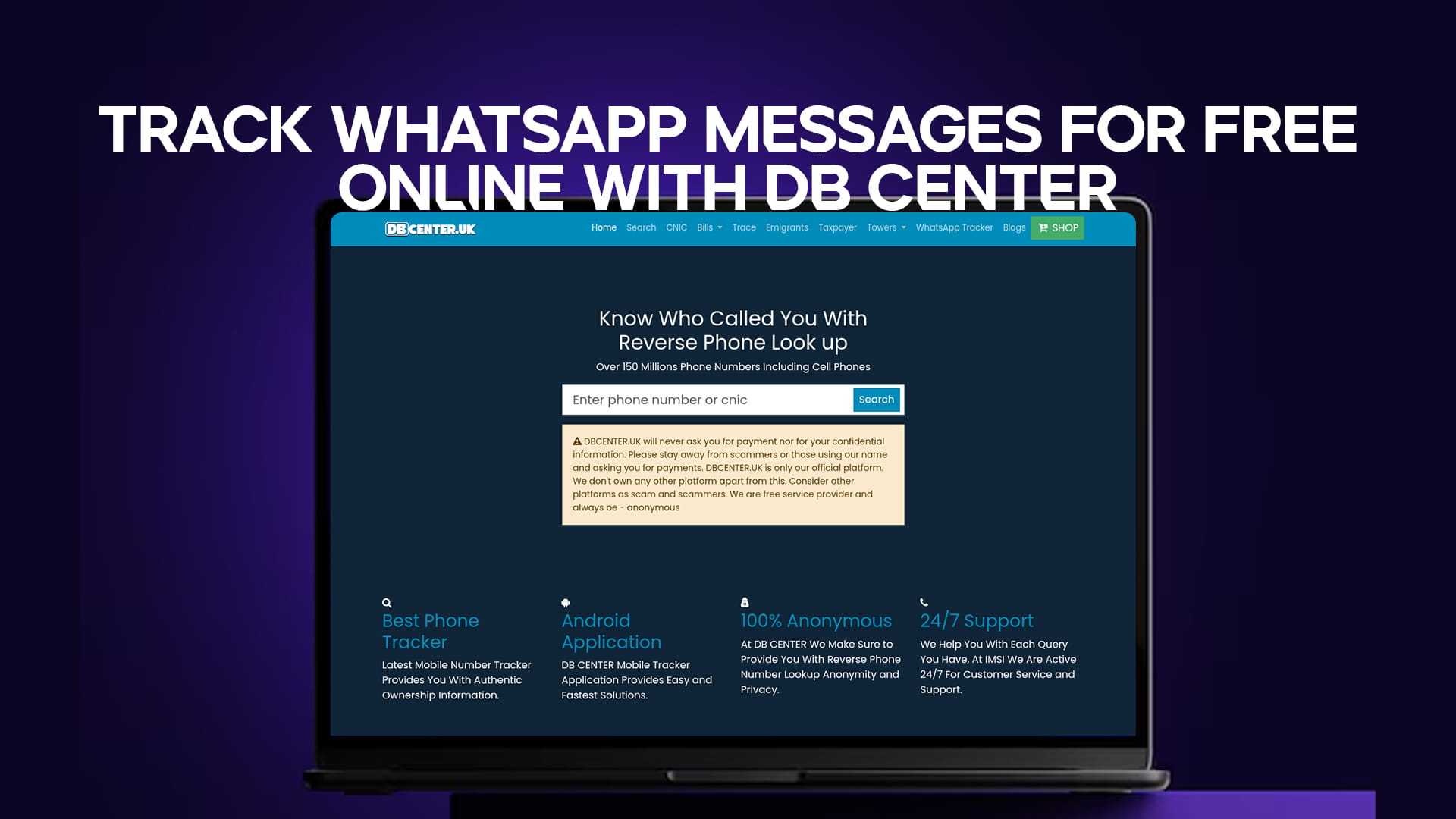
Let me start with an honest and important truth. You cannot track someone else’s private WhatsApp messages for free online. No website, no app, and no tool can break WhatsApp’s end-to-end encryption. If any website promises to show you someone’s private chats, that website is lying to you. It is either a scam, a virus, or a way to steal your own information.
However, there are legal and safe ways to get useful information about WhatsApp numbers. You can find out if a number is active on WhatsApp. You can see the person’s profile name and photo (if their privacy settings allow it). You can track the location and carrier of the phone number. You can also check if a number has been reported for spam or scams.
In this complete guide, I will show you what DB Center can and cannot do when it comes to tracking WhatsApp activity. I will explain the difference between spying (which is illegal) and legitimate information gathering (which is legal and useful). You will learn how to use reverse phone lookup to protect yourself from scammers, identify unknown contacts, and manage your own privacy on WhatsApp.
Why Do People Want to Track WhatsApp Messages?
Before we go further, let me explain why so many people search for ways to track WhatsApp messages. Understanding these reasons helps us see why a tool like DB Center is valuable, even though it cannot read private chats.
1. Suspicion of Cheating in Relationships
This is the most common reason. One partner suspects the other is cheating. They want to see who their partner is talking to on WhatsApp. While this feeling is understandable, trying to spy on a partner’s messages is usually a bad idea. It breaks trust, invades privacy, and may be illegal. A better approach is honest communication or couples counseling.
2. Worry About Children’s Safety
Parents want to protect their children from online predators, bullies, and inappropriate content. It is natural to want to know who your child is talking to on WhatsApp. However, tracking messages secretly is not the best solution. Instead, have open conversations with your child about online safety. Use parental control apps that require your child’s knowledge and consent.
3. Concern About Employees
Some employers want to make sure employees are not sharing company secrets or wasting time on WhatsApp during work hours. In many countries, monitoring employee messages is legal only if the employee has agreed to it in writing. The employer must provide the device and the phone number. Secretly tracking personal phones is illegal.
4. Curiosity About Unknown Numbers
You receive a message from an unknown number. You want to know who it is before you reply. This is completely reasonable. You are not trying to spy. You just want to identify the person. This is exactly where DB Center helps.
5. Fear of Scams
Scammers use WhatsApp to trick people into sending money or sharing personal information. You want to check if a number is known for scams before you engage. DB Center’s spam report feature is perfect for this.
What DB Center Can Do for You (Realistic Expectations)
Now let me clearly explain what DB Center can do when it comes to tracking WhatsApp-related information. These are all legal, useful, and accurate.
1. Check If a Number Has WhatsApp
DB Center can tell you if any phone number is registered on WhatsApp. This is very useful. If you have an unknown number that messaged you, the first step is to see if it is a real WhatsApp account. Fake numbers and temporary numbers often fail this check.
2. Find the Profile Name (If Public)
If the WhatsApp user has not changed their privacy settings, their profile name may be visible. DB Center can sometimes show you the name associated with the number. This helps you identify who is contacting you.
3. See the Profile Photo (If Public)
Similarly, if the user allows everyone to see their profile photo, DB Center may be able to display it. However, many people set their photo to “My Contacts Only” or “Nobody.” In those cases, DB Center cannot show the photo. This is a privacy protection, not a limitation of the tool.
4. Track the Phone Number Location
DB Center can tell you the city, state, and country where the phone number is registered. This is very helpful. If a number claims to be from your local bank but the location shows another country, you know it is a scam.
5. Identify the Carrier
You can see which mobile service provider owns the number. For example, Verizon, T-Mobile, AT&T, Vodafone, or Airtel. This information can help you verify if the number is legitimate.
6. Check Spam Reports
DB Center has a database of user-submitted spam reports. If a number has been reported by many people for scams, telemarketing, or harassment, DB Center will show you this. This is one of the most valuable features for protecting yourself.
7. Get Caller Name and Details
For many numbers, DB Center can provide the registered owner’s name. This is based on public records and phone directories. It is similar to a modern phone book.
What DB Center Cannot Do (Important Reality Check)
To avoid any disappointment, let me clearly state what DB Center cannot do. These are things that no legitimate tool can do.
Cannot Read Private WhatsApp Messages
DB Center cannot show you the content of any WhatsApp conversation. It cannot read messages that were sent or received. It cannot show you chat history. This is because WhatsApp uses end-to-end encryption. Only the sender and receiver can read the messages. This encryption is unbreakable by any online tool.
Cannot Show Deleted Messages
Some websites claim they can recover deleted WhatsApp messages. This is false. Once a message is deleted, it is gone from WhatsApp’s servers. No online tool can bring it back.
Cannot Provide Real-Time GPS Location
DB Center does not track where a phone is right now. It only shows the registered location of the phone number. Real-time GPS tracking requires installing special software on the target phone, which is illegal without consent.
Cannot Hack into Someone’s WhatsApp Account
DB Center does not hack accounts. It does not try to guess passwords. It does not bypass two-factor authentication. Any tool that claims to hack WhatsApp is a scam designed to steal your information.
Cannot Record WhatsApp Calls
DB Center cannot record voice or video calls made on WhatsApp. This would be a massive violation of privacy and is illegal in most countries.
Why Fake “WhatsApp Message Trackers” Are Dangerous
You will find hundreds of websites and YouTube videos promising free WhatsApp message tracking. They all follow the same pattern. Let me show you how these scams work so you do not fall for them.
The Survey Scam
You enter the phone number you want to track. The website says “Verifying...” for a few seconds. Then a message appears: “Complete one quick survey to unlock results.” You complete the survey, but you never see any WhatsApp messages. The website owner made money from the survey, and you wasted your time.
The App Download Scam
The website tells you to download a special “WhatsApp tracker app.” You download and install it. The app asks for permission to access your contacts, messages, and storage. Once you grant permission, the app steals all your personal information. It might even send spam messages from your own WhatsApp account. Your phone becomes infected with malware.
The Password Stealing Scam
The fake tracker asks you to enter your own WhatsApp number and password to “verify your identity.” This is a classic phishing attack. The scammers now have your login details. They can take over your account, lock you out, and message your contacts asking for money.
The Subscription Trap
The website offers a “free trial” but asks for your credit card information for verification. You enter your card details. Then you find out that the free trial automatically renews at $50 per month. Canceling is nearly impossible. You have been tricked into an expensive subscription for a service that does nothing.
DB Center does none of these things. There are no surveys, no app downloads, no password requests, and no hidden subscriptions. You simply search for a number and get real information.
How to Use DB Center to Get WhatsApp User Information
Now let me show you exactly how to use DB Center to get useful information about any WhatsApp number. Follow these steps.
Step 1: Open Your Browser
Use any web browser on your phone, tablet, or computer. DB Center works on all devices.
Step 2: Go to DB Center
Type the DB Center website address into your browser. Press Enter.
Step 3: Enter the WhatsApp Number
You will see a search box on the homepage. Type the phone number you want to check. Remember to include the country code. For example, +44 for the United Kingdom, +91 for India, +1 for the United States and Canada.
Step 4: Start the Search
Click the search button. DB Center will look through its database of over 150 million phone numbers.
Step 5: Review the Results
Within seconds, DB Center will show you a report. Look for the WhatsApp section. You will see:
-
WhatsApp Status: Active or Inactive
-
Profile Name: (If publicly available)
-
Profile Photo: (If publicly available and DB Center can access it)
-
Last Seen: (Not available due to privacy, DB Center does not track this)
You will also see the phone number’s location, carrier, and any spam reports.
Step 6: Decide What to Do
Now you have useful information. If the number is active on WhatsApp but has spam reports, block it. If it is active and clean, you can reply if you want. If it is inactive, the number is not on WhatsApp, so you can ignore it.
Legal Ways to Monitor WhatsApp Activity (With Permission)
If you need to monitor someone’s WhatsApp activity for legitimate reasons, there are legal ways to do it. But these all require the person’s knowledge and permission.
For Parents and Children
Use official parental control apps like Family Link (Google) or Screen Time (Apple). These apps can show you which apps your child uses and for how long. However, they cannot read WhatsApp message content. For younger children, some parents choose to have the child use WhatsApp on a shared family device.
For Employers and Employees
If you provide company phones to employees, you can install mobile device management (MDM) software. This requires a written agreement with the employee. The software can track app usage, but reading private message content is still restricted in many jurisdictions.
For Your Own Account
You can track your own WhatsApp activity. WhatsApp allows you to request an account report. This report shows your account information, settings, and some usage data. It does not show message content. To request this, go to WhatsApp Settings > Account > Request Account Info.
Real-Life Scenarios Where DB Center Helps Without Spying
Let me share real examples of how DB Center provides valuable WhatsApp information without invading anyone’s privacy.
Scenario 1: Unknown Business Inquiry
Ahmed runs a small bakery. He received a WhatsApp message from an unknown number asking for a large cake order. The message seemed professional, but Ahmed was cautious. He used DB Center to check the number. The report showed the number was active on WhatsApp, located in his same city, and had no spam reports. Ahmed replied and got a legitimate order worth $500.
Scenario 2: Suspicious Dating App Match
Sofia matched with a man on a dating app. He quickly asked to move the conversation to WhatsApp. He seemed very interested, but something felt off. Sofia used DB Center to check his number. The report showed the number was active on WhatsApp but was located in a different country than he claimed. Also, the number had three spam reports for romance scams. Sofia blocked him immediately and reported him to the dating app.
Scenario 3: Annoying Telemarketer
John kept receiving WhatsApp messages from a number selling health supplements. He had never given this company his number. He used DB Center to check the number. The report showed it was a virtual number from an online service. Over 50 users had reported it for spam. John blocked the number and reported it to WhatsApp.
Scenario 4: Reconnecting with an Old Friend
Maria found an old phone number for a childhood friend she had lost touch with. She was not sure if the number still worked or if her friend still used WhatsApp. She used DB Center to check. The report showed the number was active on WhatsApp and was still located in her friend’s hometown. Maria sent a message, and her friend replied. They reconnected after 15 years.
How to Protect Your Own WhatsApp Privacy
Since you now know how DB Center and similar tools work, you might want to protect your own WhatsApp number from being checked. Here is how.
Adjust Your Privacy Settings
Open WhatsApp. Go to Settings > Account > Privacy. Change these settings:
-
Last Seen & Online: Set to “My Contacts” or “Nobody”
-
Profile Photo: Set to “My Contacts” or “Nobody”
-
About: Set to “My Contacts” or “Nobody”
-
Status: Set to “My Contacts” or “Nobody”
-
Read Receipts: Turn off (this hides the blue ticks)
These settings will not hide the fact that you have WhatsApp. But they will hide your name, photo, and status from people who are not in your contacts.
Be Careful Where You Share Your Number
Do not post your phone number on public websites, social media, or forums. Scammers and data brokers collect numbers from these sources.
Block Unknown Numbers
If a stranger messages you on WhatsApp, do not reply. Block the number immediately. Replying confirms that your number is active and monitored by a real person.
Check Your Own Number on DB Center
Search for your own phone number on DB Center. See what information appears. If you find anything incorrect or too personal, you can request removal. DB Center has a process for this.
Common Myths About Tracking WhatsApp Messages
Let me bust some common myths so you do not get tricked by fake promises.
Myth 1: You can track WhatsApp messages by scanning a QR code
Truth: Scanning a QR code can link WhatsApp Web to your own account. It cannot give you access to someone else’s messages. If a website asks you to scan a QR code to track someone, they are actually trying to take over your own account.
Myth 2: You can see deleted WhatsApp messages with a special app
Truth: Once a message is deleted, it is gone from WhatsApp’s servers. No app can recover it. Some apps claim to “save” messages before they are deleted, but these require installing spyware on the target phone.
Myth 3: WhatsApp has a hidden “read other people’s chats” feature
Truth: WhatsApp has no such feature. The company takes privacy very seriously. If such a feature existed, no one would trust WhatsApp.
Myth 4: Free online tools can show anyone’s WhatsApp messages
Truth: As explained earlier, these tools are all scams. They either steal your information or show you fake data.
Final Thoughts – Use DB Center for What It Does Best
DB Center is not a spy tool. It will never show you someone’s private WhatsApp messages. But that is a good thing. Privacy is a fundamental right. You would not want strangers reading your private conversations. So do not try to read theirs.
What DB Center does offer is incredibly useful. It helps you identify unknown numbers. It protects you from scams. It saves you from wasting time on fake or inactive accounts. It gives you location, carrier, and spam information. All of this is legal, safe, and effective.
The next time you receive a WhatsApp message from a number you do not recognize, do not panic. Do not try to find a fake “message tracker” that will only scam you. Instead, go to DB Center. Enter the number. Find out if it is a real WhatsApp user, where they are located, and if others have reported them for spam. Then make an informed decision about whether to reply, block, or ignore.
Quick Summary
Let me summarize the most important points from this article:
-
You cannot track someone’s private WhatsApp messages online. End-to-end encryption makes this impossible.
-
Any website claiming to show private messages is a scam.
-
DB Center is an honest tool that provides legal information about WhatsApp numbers.
-
DB Center can tell you if a number is active on WhatsApp.
-
DB Center can show profile name and photo (if public).
-
DB Center provides location, carrier, and spam reports.
-
DB Center cannot read messages, show deleted chats, or hack accounts.
-
Fake trackers often steal your data or infect your phone with malware.
-
Protect your own WhatsApp privacy by adjusting your settings.
-
Use DB Center to identify unknown numbers and avoid scams.
Call to Action
Stop searching for fake WhatsApp message trackers that only put you at risk. Start using DB Center for real, valuable information. Go to DB Center today. Enter any unknown WhatsApp number. See if it is active, where it is located, and whether it has spam reports. Protect yourself from scams and identify unknown contacts the safe, legal way. Try DB Center now – it is free to start.