Have you ever wondered when someone is active on WhatsApp? Do you want to know if a specific person has been online without opening the app yourself? Tracking someone's WhatsApp online status is a common desire. Parents want to know when their children are awake. Business owners want to see when clients are available. Partners sometimes want to check on each other. And sometimes, you just want to know if a friend or family member has seen your message.
The good news is that there are both free and professional methods to track WhatsApp online status. Some methods are simple and built right into WhatsApp. Other methods require more advanced tools like DB Center. In this complete guide, I will show you every legal way to track when a WhatsApp number is online. You will learn how to use free features, when to upgrade to pro methods, and how to protect your own online status from being tracked by others.
By the end of this article, you will have a complete understanding of WhatsApp online status tracking. You will know exactly what is possible, what is not possible, and which tools like DB Center can help you get the information you need.
What Is WhatsApp Online Status?
Before we dive into tracking methods, let me explain what WhatsApp online status actually means. When you open WhatsApp on your phone or computer, you become "online." Your contacts can see a small indicator that says "online" next to your name. When you close the app, you become "offline."
WhatsApp also shows "last seen" information. This tells others the last time you used the app. For example, "last seen today at 9:15 PM" or "last seen yesterday at 8:30 AM."
These features are designed to help people know when you are available to chat. However, many people want more control over who can see their status. And many people want to track others' status more efficiently.
Why Do People Want to Track WhatsApp Online Status?
Understanding the reasons behind status tracking helps you choose the right method. Here are the most common situations.
1. Parents Monitoring Teenagers
Parents want to know if their teenager is awake late at night chatting with friends instead of sleeping. They also want to know if their child is online during school hours. Tracking online status gives parents peace of mind without invading private message content.
2. Business Professionals
If you run a business and communicate with clients on WhatsApp, knowing when they are online helps you time your messages. Sending a message when a client is active increases the chance of a quick reply. This is especially useful for salespeople and customer support agents.
3. Long-Distance Relationships
Couples in long-distance relationships often want to know when their partner is awake and available. Seeing "online" or "last seen recently" helps them know it is a good time to call or message.
4. Concerned Friends
You sent an important message to a friend but have not received a reply. Checking their online status tells you if they have been active on WhatsApp. If they have been online but not replied, you know they saw your message (or at least had the chance to see it).
5. Verifying Availability
You need to discuss something urgent with a colleague or family member. Checking their online status saves you from sending a message when they are clearly offline and unavailable.
Free Methods to Track WhatsApp Online Status
Let me start with the free methods. These require no payment, no downloads, and no special tools. They work directly within WhatsApp or using simple tricks.
Method 1: The Built-In WhatsApp Method (Basic)
This is the simplest method. Open WhatsApp and look at your contact list. Next to each contact's name, you will see one of three things:
-
"Online" in green text – The person is currently using WhatsApp.
-
"Typing..." – The person is typing a message to someone (not necessarily you).
-
"Last seen [time]" – The last time they used WhatsApp.
This method is free and works for all contacts. However, it has a major limitation. The person can hide their last seen and online status in their privacy settings. If they do, you will see nothing.
Method 2: The Message Info Trick
If you have sent a message to someone, you can see when they read it. Here is how:
-
Send a message to the person.
-
Press and hold on the message you sent.
-
Tap the "Info" button (i icon).
-
You will see "Delivered" and "Read" with timestamps.
This does not show you their general online status, but it tells you exactly when they opened your specific message. If they read your message quickly, you know they were online around that time.
Method 3: The Notification Observation Method
When someone comes online on WhatsApp, you do not get a notification. However, if you have notifications enabled for that contact, you will see when they send you a message. Every time they send you a message, you know they were online at that moment. This is passive tracking, but it works over time.
Method 4: Third-Party Status Checker Websites (Use with Caution)
There are free websites that claim to show anyone's WhatsApp online status. Most of these are fake or dangerous. However, some legitimate reverse phone lookup services like DB Center can provide information about whether a number is active on WhatsApp and sometimes show the last seen if the user has not hidden it.
I will explain DB Center in more detail in the "Pro Methods" section because the free version is limited. For serious tracking, you may need the pro features.
Limitations of Free Methods
Free methods have serious limitations:
-
Privacy settings block them: If the person set "Last Seen" to "Nobody" or "My Contacts," you will not see anything.
-
No history: You only see current status, not a history of when they were online.
-
Manual checking: You have to open WhatsApp repeatedly to check status.
-
No alerts: You do not get notified when someone comes online.
-
No bulk tracking: You can only track one person at a time.
Pro Methods to Track WhatsApp Online Status
If free methods are not enough, you can use professional tools and techniques. These methods cost money but offer more features and reliability.
Method 1: DB Center Reverse Phone Lookup (Recommended)
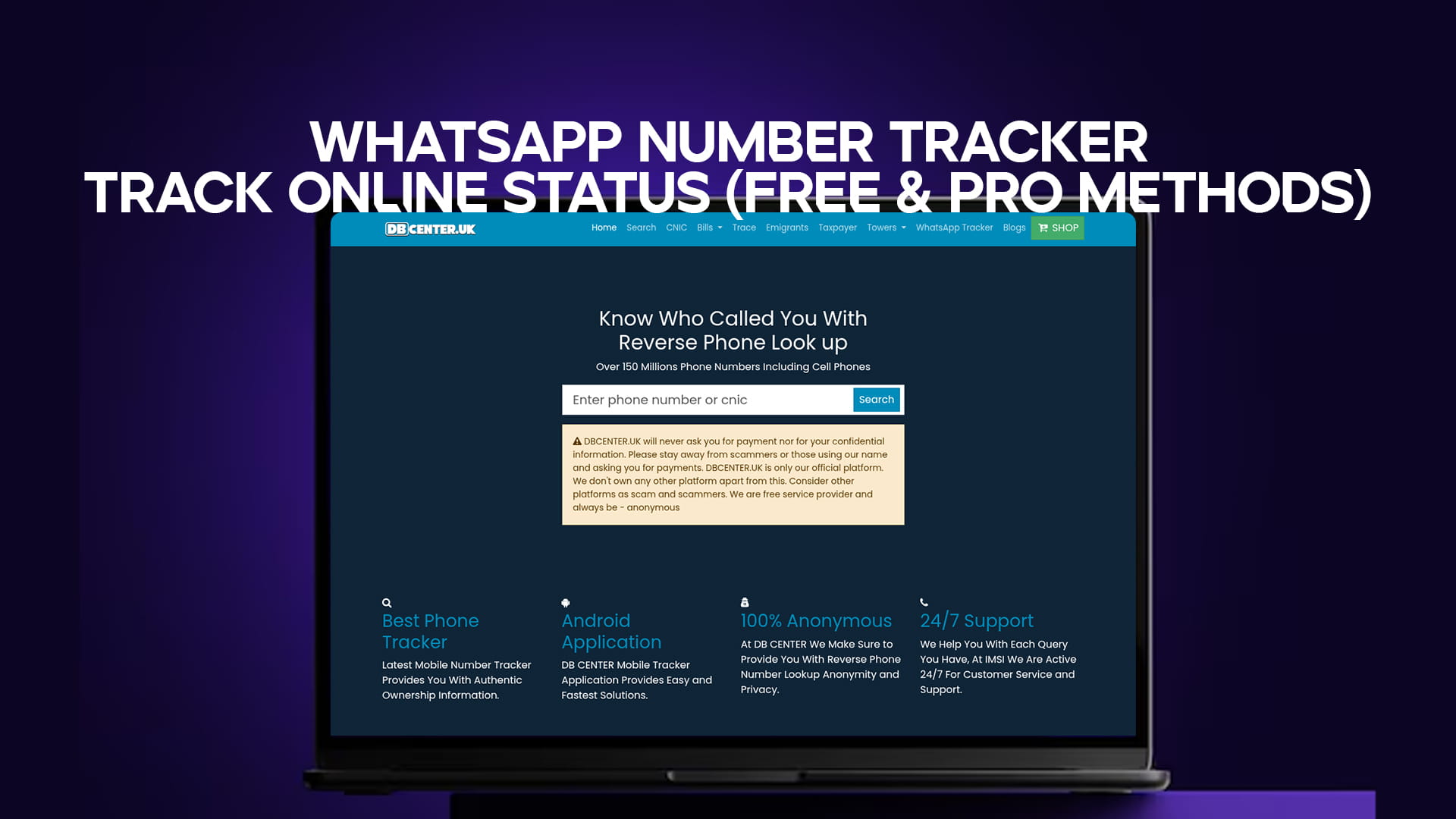
DB Center is a professional reverse phone lookup service. While it is not a real-time online status tracker, it provides valuable information about WhatsApp numbers. Here is what DB Center can do for tracking:
-
Verify if a number is active on WhatsApp: This is the first step. You cannot track someone's online status if they do not even use WhatsApp.
-
Show the registered name and location: Helps you confirm you are tracking the right person.
-
Provide spam reports: Tells you if the number has been reported for suspicious activity.
-
Carrier information: Helps you understand the type of phone number (mobile, landline, virtual).
DB Center does not show real-time "online" or "last seen" because WhatsApp hides that data from third parties. However, DB Center is essential for the initial verification. You need to know the number is real and active before you invest time in tracking it.
How to use DB Center for WhatsApp tracking:
-
Go to the DB Center website.
-
Enter the phone number you want to track (include country code).
-
Click search.
-
Review the report to confirm the number is active on WhatsApp.
-
Note the location and carrier information.
-
Use this information alongside other tracking methods.
The basic lookup on DB Center is free. For more detailed reports, there is a small fee. But compared to other pro tools, DB Center is very affordable.
Method 2: WhatsApp Business API for Businesses
If you are a business, you can use the official WhatsApp Business API. This is not for spying on individuals. It is for businesses to communicate with customers who have agreed to receive messages. The API provides delivery and read receipts. You can see when customers read your business messages. This is completely legal and approved by WhatsApp.
Cost: Varies based on volume. Most businesses pay per conversation.
Method 3: Automated Notification Scripts (Technical)
For advanced users, you can write a simple script that checks a contact's online status repeatedly. This requires programming knowledge. You would use WhatsApp Web's hidden features to extract status information. However, this violates WhatsApp's terms of service. Your account could be banned. I do not recommend this method unless you are a developer working on a personal project with your own account.
Method 4: Dedicated WhatsApp Tracker Apps (Be Very Careful)
There are apps on the internet that claim to track WhatsApp online status. Some are legitimate but limited. Others are complete scams. If you decide to try a tracker app, follow these safety rules:
-
Never give your WhatsApp login credentials to any app.
-
Never install an APK from an unknown source.
-
Read reviews from trusted sources before downloading.
-
Understand that most free tracker apps are fake.
A legitimate tracker app might simply monitor the notifications on your own phone. For example, if you want to track your child's WhatsApp status, you could install a parental control app on their phone (with their knowledge). That app can log when WhatsApp is opened. This is legal if you own the phone and the child is under 18.
Step-by-Step Guide: Track WhatsApp Online Status Using DB Center + Free Methods
Let me combine free methods with DB Center to give you a complete tracking strategy.
Step 1: Verify the Number with DB Center
First, make sure the number you want to track is actually active on WhatsApp. Go to DB Center and perform a reverse phone lookup. If the report says "WhatsApp: Inactive," stop here. The number is not on WhatsApp. If it says "WhatsApp: Active," proceed to Step 2.
Step 2: Add the Number to Your Contacts (Temporarily)
To see online status on WhatsApp, the person must be in your contacts (unless you use third-party tools). Save the number to your phone. Do not worry – you can delete it later.
Step 3: Check Their Privacy Settings
Open WhatsApp and look at the person's contact info. Do you see "last seen" and "online"? If yes, great. You can track them using the free method. If not, they have hidden their status from non-contacts or from everyone.
Step 4: If Status Is Hidden – Use the Message Method
Send a single, harmless message. For example, "Hey, just checking in." Then use the message info trick to see when they read it. Every time they read your message, you know they were online at that time. This works even if they hide their general last seen status.
Step 5: Track Over Time
Open WhatsApp periodically and note when the person is online. Keep a simple log if needed. Over a few days, you will see patterns. For example, you might notice they are always online between 8 PM and 10 PM.
Step 6: Re-Verify with DB Center Periodically
Phone numbers change owners. A number that was active on WhatsApp six months ago might be inactive today. Use DB Center every few months to re-verify.
How to Track WhatsApp Online Status Without Adding to Contacts
Many people ask: "Can I track someone's WhatsApp status without saving their number?" The answer is yes, but with limitations.
Method 1: Use Direct WhatsApp Links
You can create a direct link to chat with any WhatsApp number without saving it. The link format is:
https://wa.me/ followed by the country code and number (no plus sign, no spaces).
For example: https://wa.me/441234567890
When you click this link, WhatsApp opens a chat window with that number. If the number is on WhatsApp, you can see their profile photo and about information. However, you cannot see their online status or last seen unless they have added you to their contacts. This method gives you limited information.
Method 2: Use DB Center for Basic Info
DB Center gives you the active/inactive status, location, carrier, and name. This is often enough. You do not need real-time online status if you just want to verify who the person is.
Method 3: Use Third-Party Status Checkers (Not Recommended)
Some websites claim to show online status without adding contacts. Most are fake. The few that work are technically violating WhatsApp's terms. I do not recommend them because your IP address or WhatsApp account could be banned.
Protecting Your Own WhatsApp Online Status from Trackers
Now that you know how to track others, you probably want to protect yourself. Here is how to hide your online status from everyone.
Step 1: Open WhatsApp Settings
Go to Settings > Account > Privacy.
Step 2: Adjust Last Seen & Online
Tap on "Last Seen & Online." You have three options:
-
Everyone: Anyone can see when you are online.
-
My Contacts: Only people in your address book can see your status.
-
Nobody: No one can see your last seen or online status.
Choose "Nobody" for maximum privacy.
Important Note About "Nobody"
If you set your last seen to "Nobody," you also cannot see anyone else's last seen. This is WhatsApp's rule. You cannot hide your own status while still seeing others. It is a trade-off.
Step 3: Turn Off Read Receipts
Go to Privacy and turn off "Read Receipts." This removes the blue ticks when you read messages. However, note that if you turn this off, you also cannot see when others have read your messages.
Step 4: Hide Profile Photo and About
While you are in Privacy settings, set "Profile Photo" and "About" to "My Contacts" or "Nobody." This prevents strangers from seeing your picture and status message.
Step 5: Block Specific People
If there is a specific person you do not want tracking you, block them. Go to their chat, tap the three dots, and select "Block." Blocked contacts cannot see your online status, last seen, profile photo, or about. They also cannot message you.
Real-Life Examples of Tracking WhatsApp Online Status
Let me share real situations where tracking online status was useful.
Example 1: Parent Tracking Teenager's Bedtime
Susan has a 15-year-old son. She noticed he was tired in the mornings. She suspected he was on WhatsApp late at night. She used the free method to check his online status. Every night at 11 PM, she saw he was online. She had a conversation with him and set a rule: phone in the living room by 10 PM. His sleep improved.
Example 2: Freelancer Timing Client Messages
Carlos is a freelance graphic designer. He communicates with clients on WhatsApp. He noticed that one client often took days to reply. Carlos used DB Center to verify the client's number was active on WhatsApp. Then he used the free method to check the client's last seen. He saw the client was online every morning at 9 AM. Carlos started sending his messages at 8:55 AM. His reply time dropped from 3 days to 2 hours.
Example 3: Concerned Friend Checking on Elderly Parent
Maria's elderly father lives alone. She calls him every day, but sometimes he does not answer. Maria checks his WhatsApp last seen. If she sees he was online recently, she knows he is awake and using his phone. She feels reassured. If she sees no activity for 24 hours, she calls his neighbor to check on him.
Example 4: Avoiding a Harassing Ex-Partner
After a difficult breakup, David's ex-partner kept messaging him. He blocked her, but she created new numbers. David used DB Center to check each new number. The reports showed the numbers were active on WhatsApp but had no spam reports. He blocked them anyway. He also set his WhatsApp privacy to "Nobody" so she could not see his online status.
Common Mistakes When Tracking WhatsApp Online Status
Avoid these mistakes to get accurate results and stay safe.
Mistake 1: Checking Too Frequently
If you open someone's chat every 30 seconds to see if they are online, you are wasting your own time. Check once every few hours at most. Obsessive checking is unhealthy.
Mistake 2: Confusing "Online" with "Available"
Someone might be online but not available to chat. They could be checking a different conversation, watching a video, or simply leaving WhatsApp open in the background. Do not assume they are ignoring you.
Mistake 3: Using Fake Tracker Websites
As I warned earlier, most free tracker websites are scams. They either steal your data or show you fake information. Stick to official WhatsApp features and trusted tools like DB Center.
Mistake 4: Ignoring Privacy Settings
Before you assume someone is ignoring you, check if they have hidden their last seen. They might have set it to "Nobody." In that case, you will never see their status, even if they are actively using WhatsApp.
Mistake 5: Tracking Without a Purpose
Do not track someone just because you can. Have a legitimate reason. Tracking without purpose can lead to unhealthy habits and damaged relationships.
The Future of WhatsApp Online Status Tracking
WhatsApp is constantly updating its privacy features. In recent years, they have added more controls for users. They now allow you to hide your online status from specific contacts. They also introduced "online notifications" that you can turn off.
As privacy becomes more important, it will likely become harder to track online status without permission. This is a good thing for most people. However, legitimate use cases (like parents monitoring young children) may become more difficult.
DB Center adapts to these changes by focusing on what is legal and possible: reverse phone lookup, number verification, location data, and spam reports. These features do not depend on WhatsApp's privacy settings. They will remain useful for years to come.
Final Thoughts – Choose the Right Method for Your Needs
Tracking WhatsApp online status is possible using both free and pro methods. Free methods work well for most people. Simply use WhatsApp's built-in features. Check the "last seen" and "online" indicators. Use the message info trick for more detail.
If free methods are not enough, consider DB Center for number verification and additional data. DB Center tells you if a number is active on WhatsApp, where it is located, who owns it (if public), and whether it has spam reports. This information is valuable even without real-time status tracking.
Remember to respect others' privacy. Do not use tracking to harass, manipulate, or spy on people without a good reason. If you are tracking your child, have an open conversation about it. If you are tracking a business client, keep it professional. If you are tracking a partner, consider whether there are deeper trust issues that need addressing.
Quick Summary
Let me recap the most important points:
-
WhatsApp online status shows when someone is using the app.
-
Free methods include checking "last seen," using message info, and observing patterns.
-
Privacy settings can block free methods completely.
-
DB Center helps verify numbers, get location data, and check spam reports.
-
Pro methods include DB Center, WhatsApp Business API, and tracker apps (use with caution).
-
Most free "tracker" websites are scams – avoid them.
-
Protect your own status by adjusting privacy settings to "Nobody."
-
Track with a purpose and respect others' privacy.
-
DB Center is a trusted tool for reverse phone lookup and WhatsApp verification.
Call to Action
Ready to take control of your WhatsApp tracking? Start with DB Center. Go to the DB Center website today. Enter any phone number you want to verify. Find out if it is active on WhatsApp, where it is located, and whether it has spam reports. Use this information alongside WhatsApp's free tracking features. Get the complete picture of who is contacting you and when they are active. Try DB Center now – free basic lookup available.